Drill & Tap Center Automation | Robot Loading Cells
Robot and gantry loading for drill & tap centers: feeding, locating and clamping, unloading and OK / NG routing, from one machine cell to several machines linked.
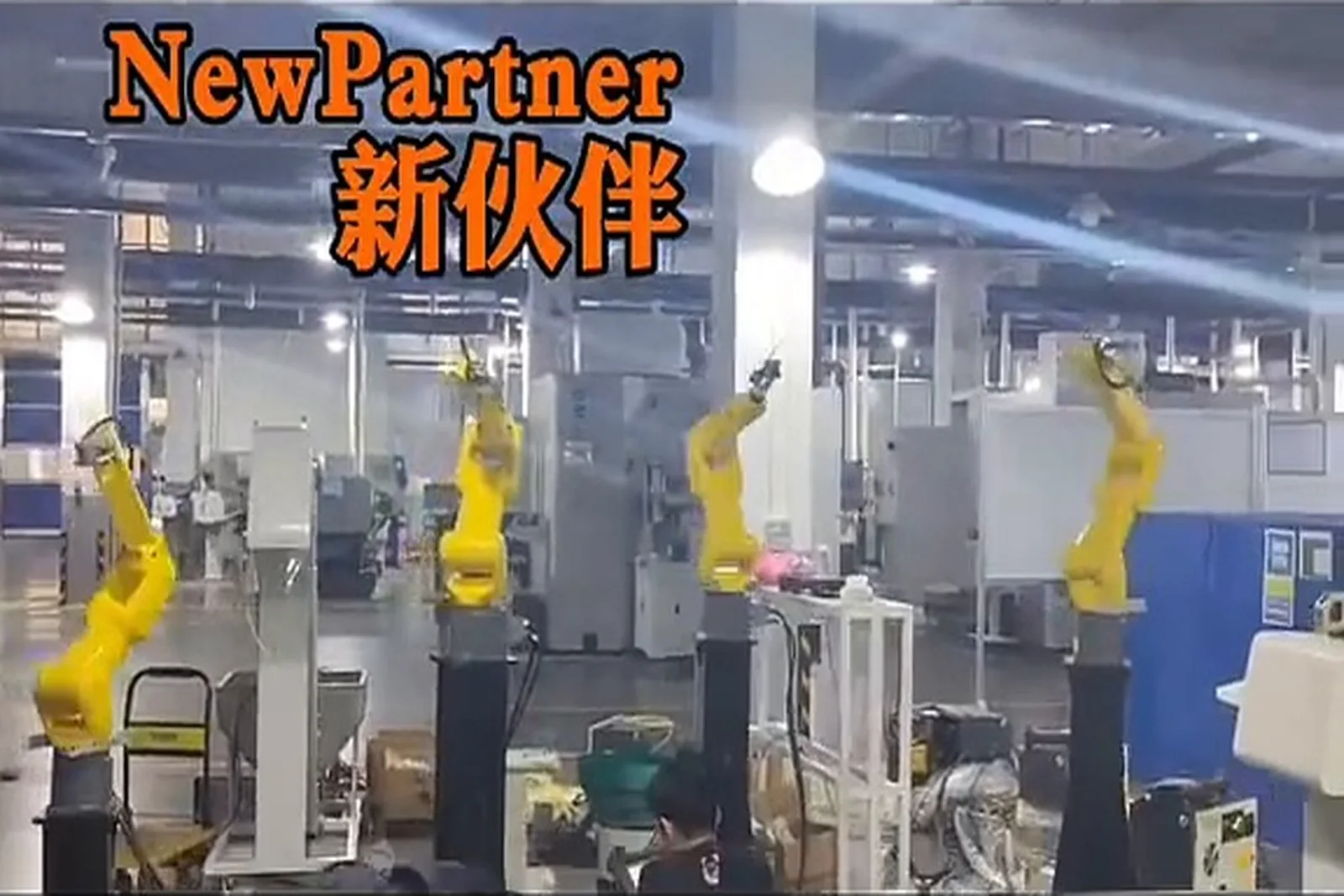
Drill & Tap Center Automation
Drill & tap centers run short cycles and large batches, which is what makes one robot serving several machines work: the repetitive load and unload goes to the machine, the operator only refills and patrols. Robot or gantry tending, part location and clamping, tray or storage feeding, and automatic unload.
Drill & tap center automation, in short
It automates the load and unload of drill & tap centers — feeding the blank to a defined pick position, locating and clamping it, unloading the finished part and routing OK / NG — with a robot or a gantry robot serving one or several machines. It removes the repeated handling that eats into a cycle measured in seconds. It fits drill & tap centers and vertical machines making small to medium parts in large batches: 3C structural parts, precision hardware, fasteners, automotive and liquid-cooling parts.
What drill & tap center loading automation is
Said plainly first: which human actions it replaces.
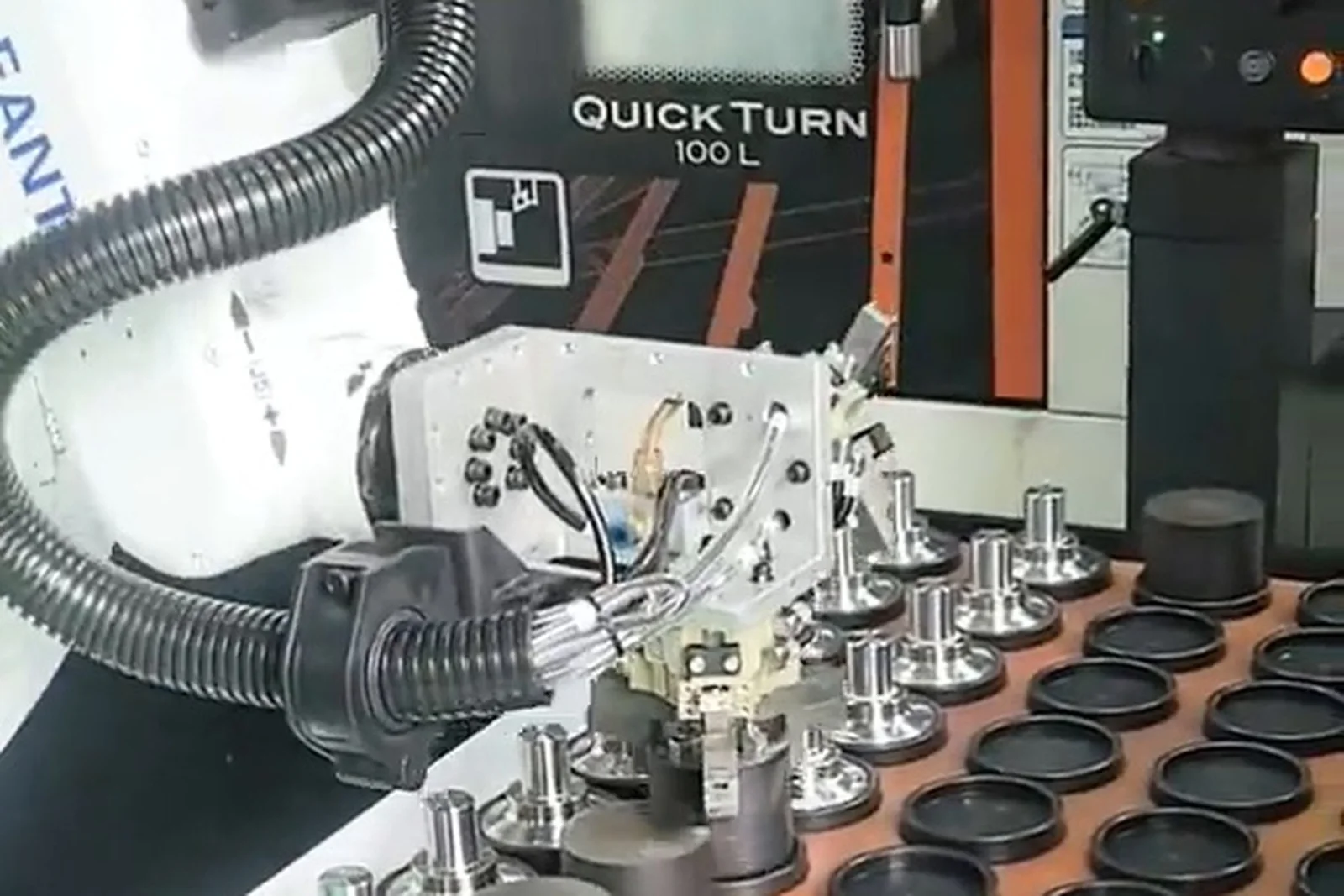
Drill & tap center automation hands the loading and unloading of a drill & tap center to a cell made of feeding equipment, a robot or gantry robot, locating and clamping, control and safety.
What it replaces is a set of human actions: carrying the blank to the machine, loading it, clamping it, waiting, unloading the finished part and sorting it. On a machine with a cycle measured in seconds, those actions take a large share of the cycle.
Actions a cell usually takes over
Blanks reach the pick position to the cycle and keep coming.
The robot or gantry takes the blank and loads it into the machine.
The part is set to a defined pose by a locating unit before clamping.
A pneumatic, hydraulic or quick-change fixture clamps it and reports the state.
The machine drills and taps to program.
After the completion signal the arm takes the part out.
Where inspection is configured, the part is routed OK / NG.
Finished parts are buffered or passed on to the next operation.
Human action → automated answer
The motion is taken over by the mechanism, which changes the machine-to-operator ratio — not the machine speed.
Removing the old part and loading the new one happen in one motion, so machine waiting is cut.
The repetitive part of the job goes to the machine; the operator refills, changes over and handles exceptions.
The locating datum is repeatable and the clamp state is a signal, so accuracy no longer depends on feel.
Where inspection is configured, the decision is made before the part leaves the cell.
How to use the table: These five reasons come from the production situation itself, not from the phrase "higher efficiency". Why a drill & tap center suits automation is a question of cycle structure, not of machine type.
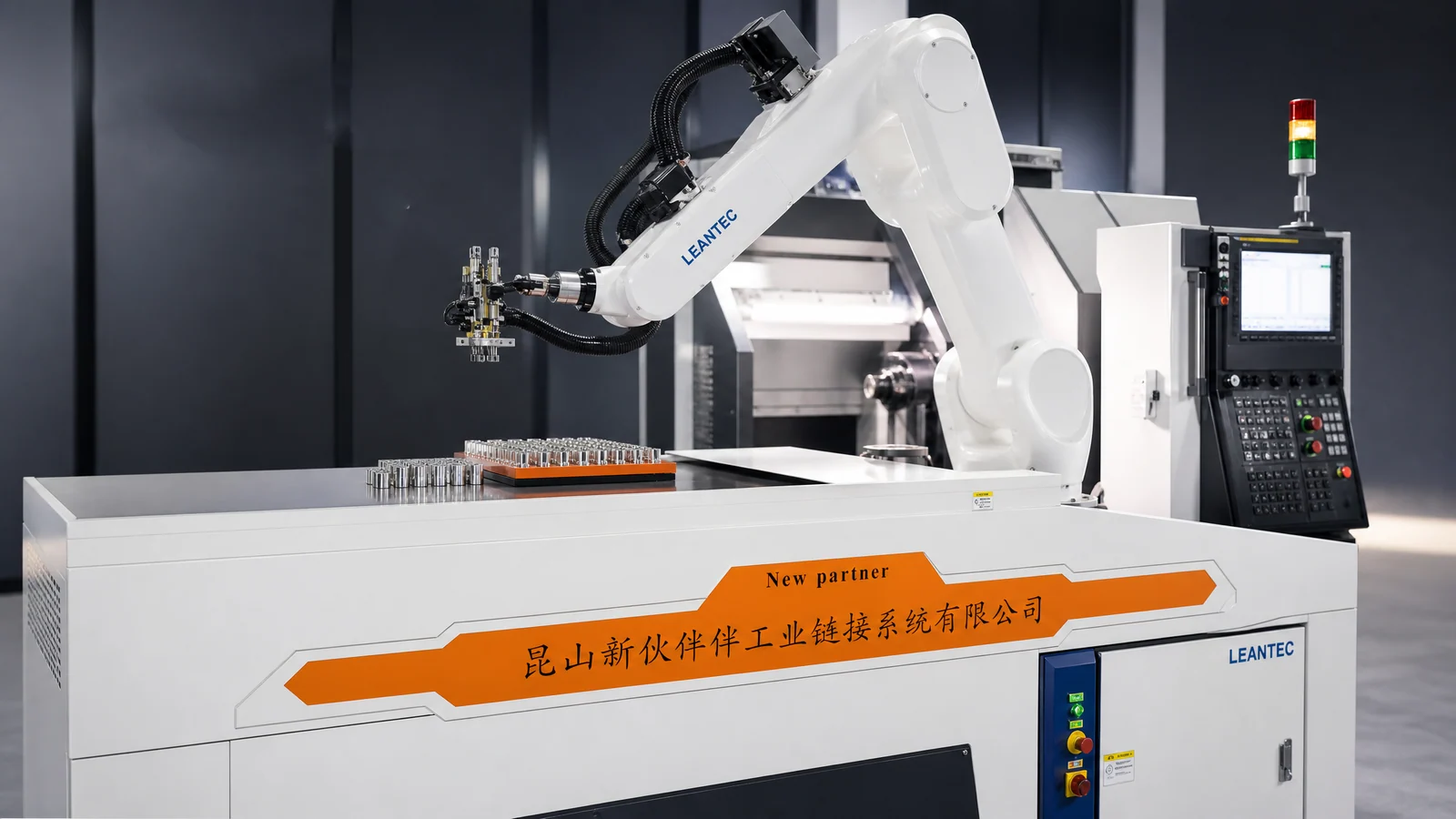
Why drill & tap centers suit automatic loading
Five reasons from the actual production situation, not one phrase about efficiency.
One machine needs one operator, and the operator walks between machines
The motion is taken over by the mechanism, which changes the machine-to-operator ratio — not the machine speed.
Removing the old part and loading the new one happen in one motion, so machine waiting is cut.
The repetitive part of the job goes to the machine; the operator refills, changes over and handles exceptions.
The locating datum is repeatable and the clamp state is a signal, so accuracy no longer depends on feel.
Where inspection is configured, the decision is made before the part leaves the cell.
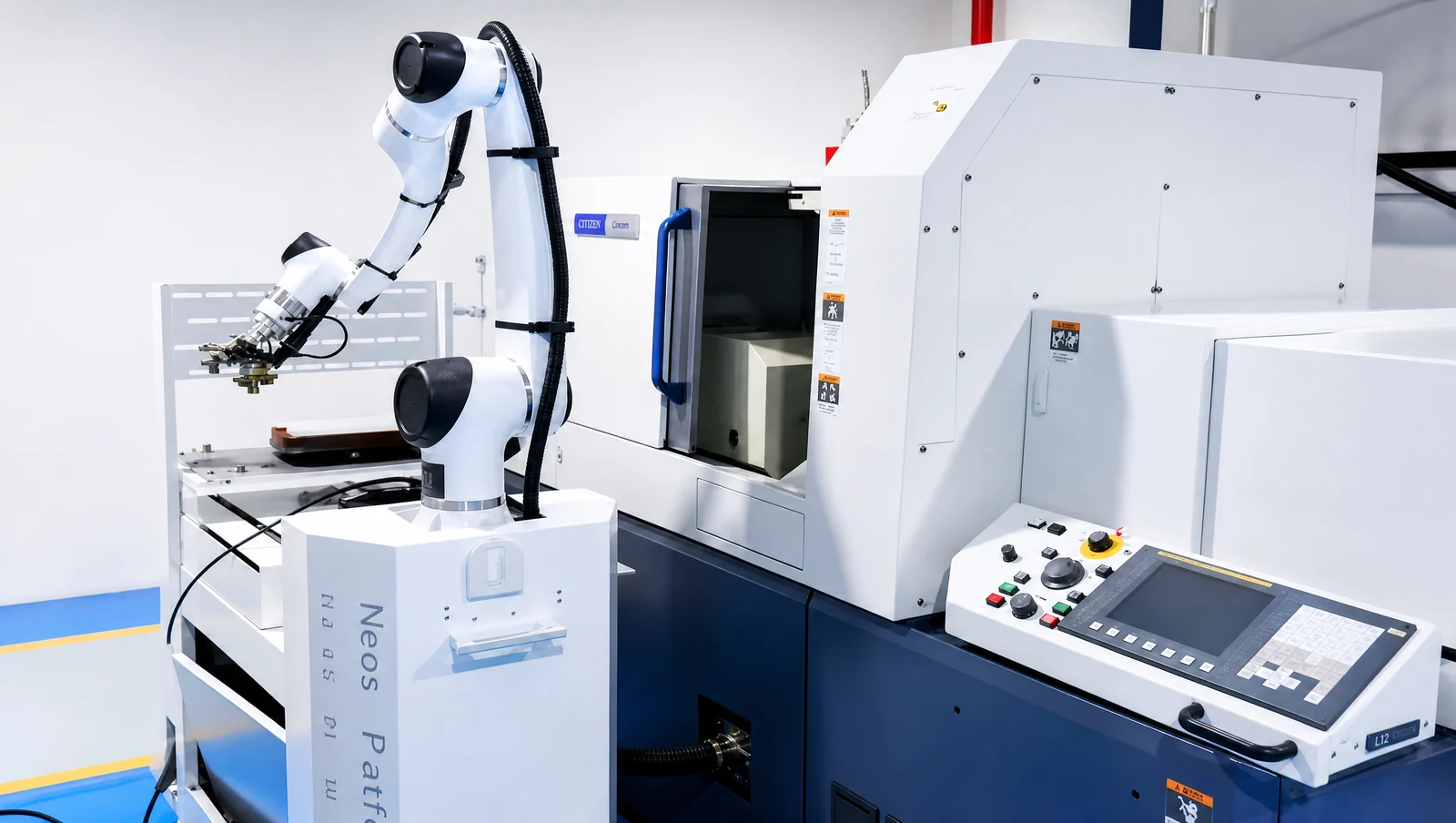
How the loading system is put together
Taken apart, every section has a reason to exist.
Where blanks are held — the logistics start of the feeding chain.
Turns loose incoming parts into an ordered, repeatable pick.
Brings parts to the pick position to the cycle without a break in supply.
The handling unit: picking, loading, unloading and transfer.
Sets the part to the pose the machining requires.
The machine that drills and taps.
The arm takes the part out after machining.
Configured per project; parts routed by result.
Good parts buffered, moved on, or passed to the next operation.
The complete cycle for one part
Every section of the structure has a reason to exist. A single-part cycle runs through all of them; if one section is missing, it shows up on the shop floor.
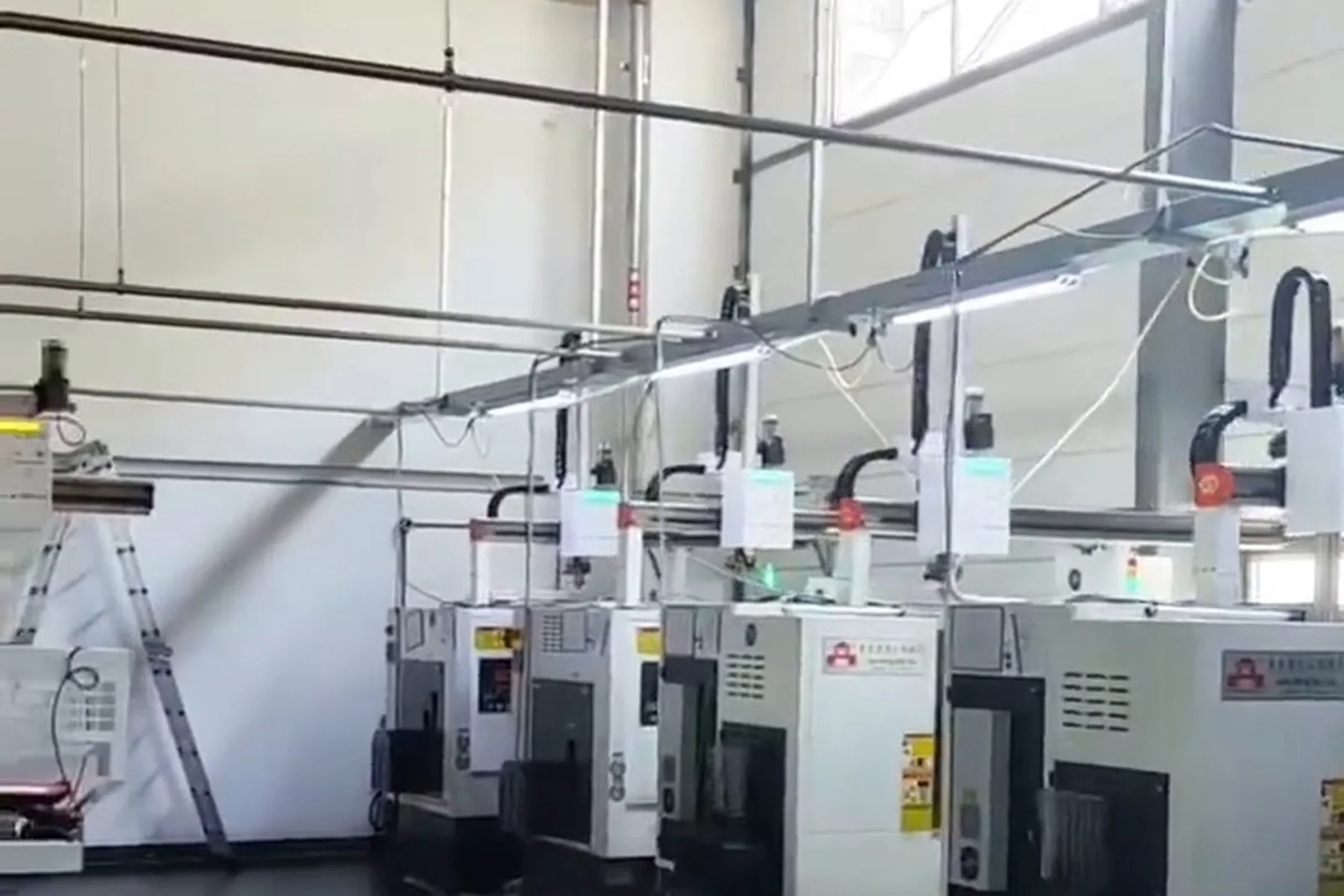
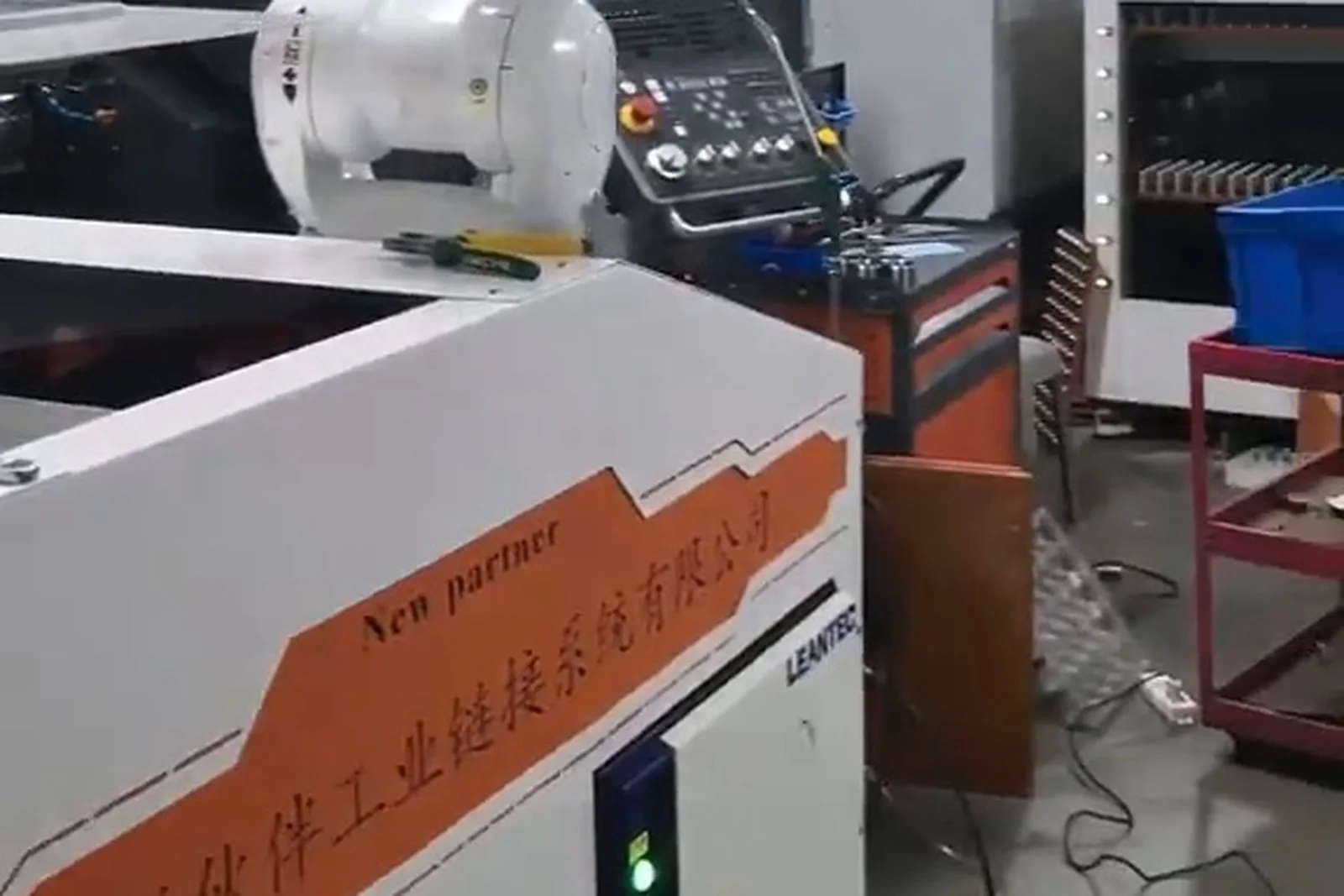
Robot loading and unloading
What a robot can do, and when a robot configuration has to be reassessed.
Conditions to confirm first
The limit of a robot configuration is usually set by the end effector and the pick position, not by the robot body. Confirm the degree of freedom, stroke and force of the gripper first.
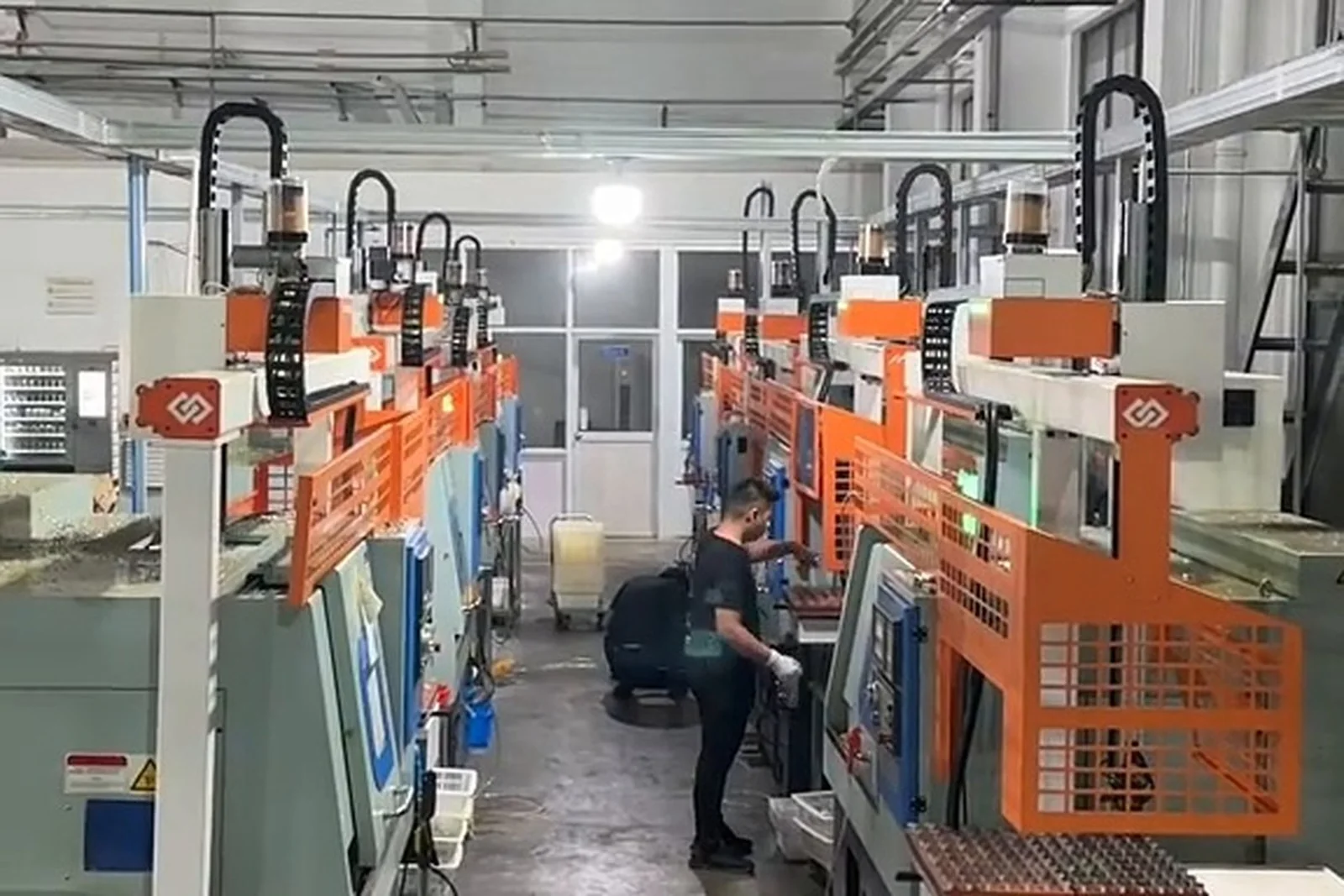
Gantry robot loading and unloading
The same scenario, explained for a gantry.
Typical motions
Along the row of machines
Down to the machine and the tray
Taking the blank and the finished part
Back to the pick position
Where it fits
With machines in a row and a fixed path, a gantry runs above the machines and uses less floor space than a robot. Whether it fits still follows the layout, the cycle and the part.
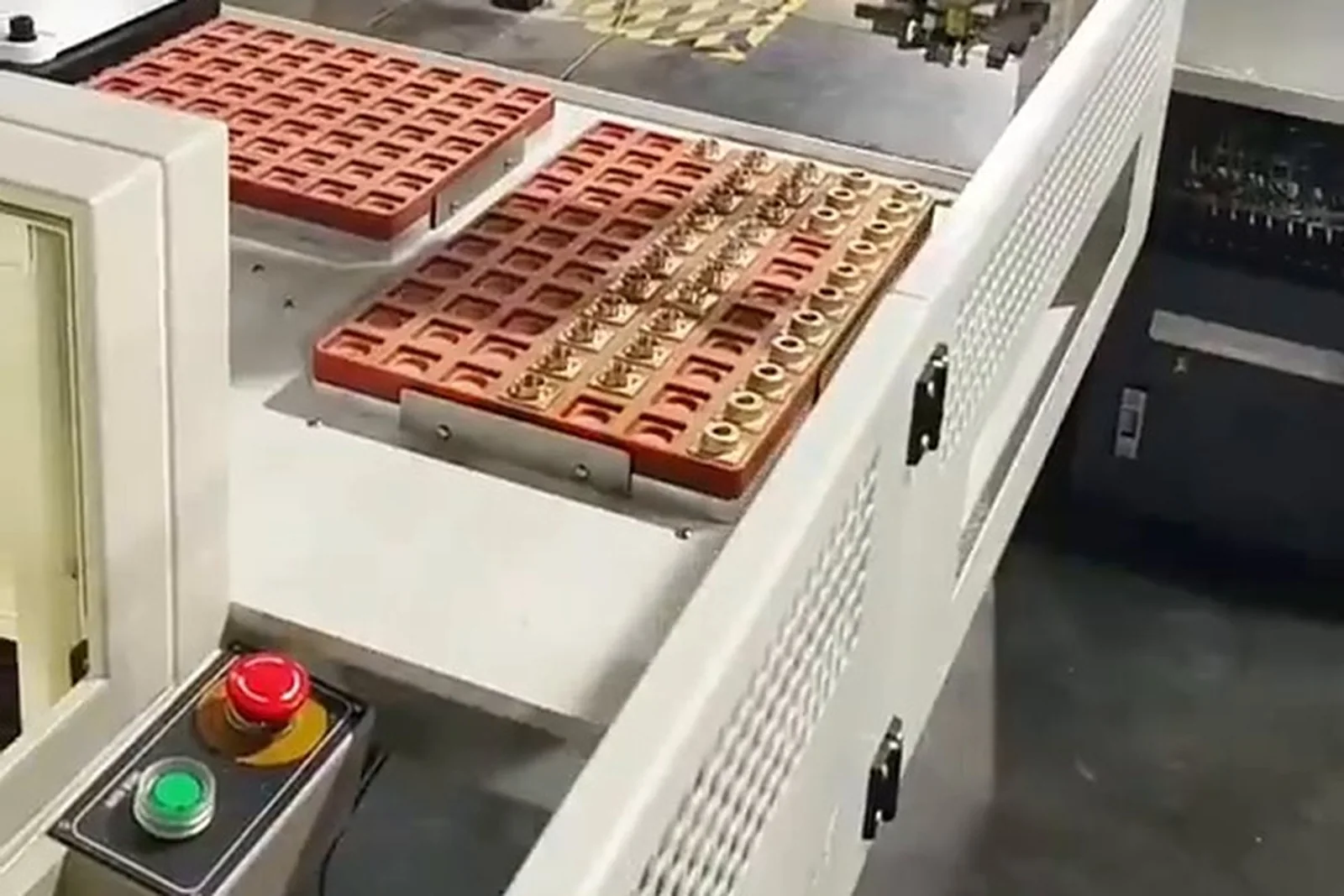
Automatic feeding: how parts reach the pick position
The feeding section decides how long the cell runs between interventions.
Option A · Tray feeding
Tray → robot picks → machining center. For parts already arranged in order, a reasonably stable part number and a repeatable pick.
Option B · Storage feeding
Storage → automatic release → robot picks → machine. For long feeding between refills and a lower refill frequency.
Option C · Conveyor feeding
Conveyor → location → robot picks. For parts flowing in line with the operations before and after.
Option D · Vision-guided flexible feeding
Loose parts → vision recognition → location → robot pick → drill & tap center. For parts that cannot be arranged on a tray.
The feeding section decides how long the cell runs between interventions. Loose incoming parts belong to the vision-guided feeding line, and can be built together with this configuration.
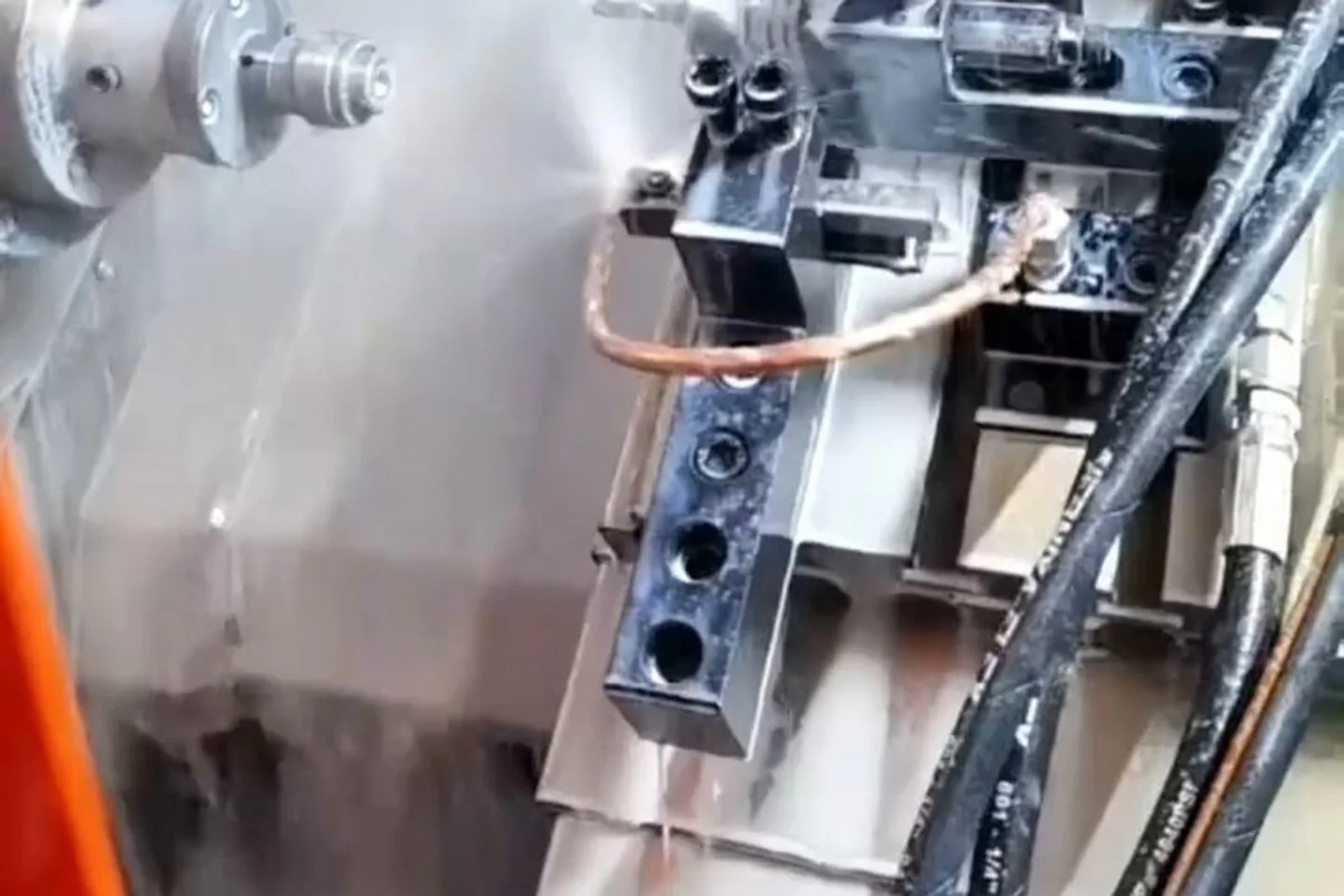
Part locating and clamping fixtures
This section matters more than the robot: the robot carries, the fixture makes it accurate.
Automatic picking needs the part set to a defined pose first.
A pin-and-hole fit creates a repeatable locating datum.
Which face, which hole, which edge is the datum has to be stated.
Holds the part in the position and pose the machining needs.
Air-driven clamping: fast and comparatively simple.
Higher clamping force and rigidity; suits heavier parts or high cutting forces.
The clamping section is swapped quickly at changeover, cutting downtime.
Four things the clamping sequence confirms
The interlock that follows
The robot carries, the fixture makes it accurate. Four things have to be confirmed before machining starts: the fixture is in a clampable state, the part has reached the locating position, the clamp signal is present, and there really is a part in the station — so the machine never starts on an empty or offset clamp.
Automatic unloading and OK / NG routing
Unloading is not just taking the part out: where it goes has to be in the configuration.
The machine gives the completion signal
Entry only after the safety conditions are confirmed
The finished part is taken out
Moved to the defined area
Routed or buffered by result
Destinations that can be configured
Where inspection is configured, OK and NG go to separate stations. Unloading happens after the machining-complete signal; where no inspection is fitted, the unload section is simply unload and buffer. Where each part goes is written into the configuration, not decided on the floor.
One robot or gantry covering several machines
One of the most important situations this page deals with.
The time window that can be covered.
The real time for one pick and place.
The sum of picking, feeding, unloading and transfer motions.
Idle time caused by the machine waiting for the arm or the arm waiting for the machine.
The output efficiency actually achieved across several machines.
The buffer at the machine decides whether it can keep running.
Whether the working range reaches all the machines at once.
Distance, orientation and door positions.
When a person has to step in, and how often.
Extending from one machine to two, three or more depends on the cycle working out, not on having enough machines. A single-machine cell is usually the steadier way to start.
Robot grippers and end effectors
This section stands on its own because it is the most underestimated part of a robot configuration.
Common forms
For parts with a stable gripping face; simple and easy to maintain.
For shafts and bodies of revolution that need self-centering.
Designed around the part outline, for irregular parts.
Picks the finished part and loads the blank in one motion, cutting idle travel.
Grips several parts at once; whether it really pays has to be checked against the cycle.
The gripping section is swapped quickly at changeover.
What decides the gripping method
This section stands on its own because the end effector is the most underestimated part of a robot configuration: the numbers that matter are the gripping method, the stroke and the repeatability, not the robot body.
Machine interface and signal exchange
Whether automation runs steadily is half decided here.
The machine tells the cell it can pick
The machine is in a state that allows external intervention
Position of the guard or automatic door
Fixture released or clamped
Safety and interlock conditions all satisfied
The machine may start the next cycle
Machine or cell abnormal
State of the safety circuit
The basic motion logic that follows
Whether automation runs steadily is half decided here. The signal list, the timing and the interlocks are designed per machine control system; the available signal points are confirmed before the retrofit.
Safety system
Safety has its own section, not a slogan.
Three operating modes
What has to be covered
Safety has its own section rather than a slogan. Three operating modes are designed in from the start: automatic, manual and maintenance. When something goes wrong the cell can continue in manual or manual-assisted mode while the fault is traced, instead of stopping production.
Typical workstations: single, twin and multi-machine
Combining machines into a complete cell — three common forms.
The three forms are not three grades but three sets of conditions. Verifying part, fixture and cycle on a single machine and then extending to several machines is usually steadier than building a whole line at once.
Typical drill & tap automation situations
Six situations covering the most common starting points.
A row of drill & tap centers
One gantry robot covering several machines with tray or storage feeding.
Short cycles, large batches
Automatic feeding and unloading sized to the cycle, so handling no longer dominates.
Mixed part types
Quick-change fixtures, switchable programs and shared trays to hold changeover time down.
Loose incoming parts
Vision-guided flexible feeding ahead of the cell.
Old machines without an automatic door
Retrofit the door, the chip blowing and the signal interface first.
Start small, then extend
One machine cell first, extended to two or three once the cycle is verified.
Machine retrofit work that comes first
Automation almost always needs something done on the machine side first.
Door structure, signal points and fixtures are the front-end conditions. Where they are missing, they are solved before the cell is built.
Industry applications
Automotive Components
Small metal parts around the engine and chassis; large batches, few changeovers, well suited to central loading.
View detailsEV & Liquid-Cooling Parts
E-drive and liquid-cooling structural parts; fairly stable shapes and high volume.
View detailsElectronics & Precision Enclosures
Mainly small parts in large batches with tight cycles — one of the most typical drill & tap cases.
View detailsPrecision Hardware & Fasteners
Small parts handled at high frequency; the load and unload motion takes a large share of the cycle.
View detailsBearings & Transmission
Regular shapes and a stable process, which makes a standardized cell easier.
View detailsHydraulic & Pneumatic Parts
Valve bodies and connectors; the work is in locating and clamping consistency.
View detailsMedical & Implant Parts
Batch and part-mix structures differ widely; assess before fixing the form.
Bicycle & Sports Equipment
Many part categories; where changeover is frequent, changeover time is the first thing to assess.
Hardware and tools
Small batches and many part types; changeover cost has to be calculated.
General machining and subcontracting
Order structures change quickly; a single-machine cell that extends as needed fits best.
Which parts suit drill & tap automation
Common objects, and what to look at for each.
Common objects only. Whether a part suits automatic tending still has to be confirmed against size, weight, shape, material, cycle time, clamping method, locating datum, incoming pose and the number of part types.
Automation suitability
Not whether it can be done, but what to do first.
Cases that are relatively straightforward
Cases where the front-end conditions come first
The question is not whether it can be done, but what to do first: the front-end conditions (door, signals, fixtures) decide the sequence.
Robot or gantry? Manual or automatic?
Two objective comparisons, no ranking.
Manual loading vs automatic loading
| Dimension | Manual loading | Automatic loading |
|---|---|---|
| Handling | One part at a time by hand | Robot or gantry to the cycle |
| Operator | Tied to the machine rhythm | Refills, changeover, exceptions |
| Clamp consistency | Depends on the operator | Locating datum plus clamp signal |
| Night shift | Depends on staffing | Buffer-limited unattended running |
| Part records | Written by hand | Signal and data capture where configured |
Manual loading compared with automatic loading. Specifications as stated in the product brochure; final configuration depends on the application.
Robot tending vs gantry tending
| Dimension | Robot tending | Gantry tending |
|---|---|---|
| Motion | Multi-joint, flexible poses | Beam travel, lift and pick in a fixed path |
| Machines covered | Scattered machines and complex motions | Several machines arranged in a row |
| Floor space | Working range and safety space reserved | Runs above the machines; less floor space |
| Changeover | Program and gripper change | Program and gripper change |
| Typical fit | Mixed parts, unloading and sorting | Fixed path, frequent handling |
Robot tending compared with gantry tending. Specifications as stated in the product brochure; final configuration depends on the application.
Two objective comparisons, no ranking. Which one fits is decided by the layout, the working range, the cycle, the part and the project requirements.
Drill & tap center brand and model fit
Little space inside and short cycles: differences between brands and series in spindle nose, tool magazine position, guard door and table change the gripper size and the handling path.
Note: Drill & tap centers have little space inside and short cycles; differences between brands and series in spindle nose, tool magazine position, guard door and table directly change the gripper size and the pick and place path. A configuration cannot be copied from one model to another, and for machines with no project evidence we do not write "we have done it".
The upgrade path for a drill & tap cell
Phased, with every step solving one specific problem.
Prove the part, the fixture and the cycle on one machine.
Move from trays to storage or a conveyor when the refill interval has to grow.
Extend once the cycle calculation allows one arm to serve two machines.
Redesign the scheduling, the buffer and the arm path.
Add OK / NG routing where rejects must not move downstream.
Add in-line inspection and, where needed, MES capture.
Each step solves one specific problem. The sequence keeps the investment tied to a verified result rather than to a plan drawn on paper.
Drill & tap automation projects
Related project cases are added continuously.
Single machine cell
- Fits
- Proving the part, fixture and cycle on one machine.
- System
- Tray, robot or gantry, drill & tap center, unload
Twin-machine cell
- Fits
- Two machines with comparable cycles in one working range.
- System
- Shared feeding, one arm, two machines, shared unload
Multi-machine cell
- Fits
- Several machines in a row with a fixed handling path.
- System
- Tray or storage, gantry, machines in a row, OK / NG stations
Storage-fed cell
- Fits
- Longer intervals between refills.
- System
- Storage magazine, automatic release, robot, machine
Vision-fed cell
- Fits
- Loose incoming parts that cannot be trayed.
- System
- Bin, vision recognition, robot pick, machine
Cell with inspection and sorting
- Fits
- Rejects must not reach the next operation.
- System
- Machine, unload, vision inspection, OK / NG routing
What a case has to record
Admission rules
Truthfulness
A case has to come from a closed real project with permission to use the customer name.
Completeness
Customer or industry, equipment, part, automation form, feeding, flow, inspection and result — none of the eight may be missing.
De-identification
Customer information without permission is de-identified; only the industry and the part description remain.
Verifiability
Key content is verifiable through site photos or project material.
No closed drill & tap project with customer disclosure permission is in the material yet, so no case is shown. Cases go live one by one under the four rules above once closing documents and permission are in place.
What we need from you before a drill & tap cell
With the information complete the configuration is right the first time.
Part data
Machining data
Machine data
Automation target
FAQ
The questions that come up most often in drill & tap automation purchasing and engineering reviews.
Can a drill & tap center be loaded and unloaded by a robot?
It can be designed around the machine structure, the part, the fixture, the cycle and the space available. Whether it works depends on those conditions, not on whether the machine is a drill & tap center.
Can one robot serve several drill & tap centers?
Whether several machines can be linked has to be calculated from the machining cycle, the loading time, the robot's working range and the layout. We do not give a fixed number of machines in advance — the same robot gives a completely different answer on a 30-second part and a 5-minute part.
Can parts of different sizes share one loading system?
It has to be assessed from the differences between parts, the fixtures, the grippers, the programs and the feeding. Small differences can be covered by quick-change fixtures and program switching; large differences are usually handled in part families.
Can loose parts be fed automatically?
Vision recognition and flexible feeding can be considered; whether it works has to be tested against the part form and the features that can be gripped. It belongs to the vision-guided flexible feeding line and can be built together with this configuration.
Can the part be inspected automatically after drilling and tapping?
Vision or another inspection method can be configured to the items to be checked. Which items and which method depend on the dimensions, accuracy, surface, hole diameter, hole position and appearance that have to be controlled.
Can an old drill & tap center be automated?
The machine structure, interfaces, door structure, fixtures, control system and available space all have to be checked. The common problems on older machines are incomplete signal conditions or no automatic door; those front-end issues are solved first.
How is the choice made between a robot and a gantry robot?
It is assessed from the machine layout, the working range, the cycle, the part and the project requirements. Regular rows with a fixed path usually suit a gantry; scattered machines and complex motions suit a robot.
Is an operator still needed after automation?
Whether and by how much labor falls has to be measured against the number of machines, the shifts, the cycle and the scope of automation. Refilling, changeover and exception handling usually still need a person — the frequency of intervention changes.
How much floor space does an automation cell need?
It depends on the handling method (robot or gantry), the size of feeding and buffering, and the arrangement of the safety fence. A gantry runs directly above the machines and uses less floor space; a robot needs its working range and safety space reserved. The space is assessed against a layout drawing.
Do the fixtures on a drill & tap center have to be replaced?
In most cases fixtures are added or modified. A fixture used for manual clamping does not necessarily meet the locating repeatability, in-position checking and automatic release that automatic clamping needs. The existing fixture structure has to be seen before this can be settled.
Does frequent changeover still suit automation?
Changeover cost has to be calculated first. If changeover takes a long time, the time saved on loading can be eaten up by it. Quick-change fixtures, program switching and standard trays can compress changeover, but the investment has to make sense.
What happens when the cell develops a fault?
Manual and maintenance modes are designed together with the cell, so production can continue in manual or manual-assisted mode while the fault is traced. This is part of the safety and interlock design.
How many parts can a tray hold?
It depends on the part size, the tray type, the gripping method and the refill interval you want. A longer refill interval means a larger tray or storage magazine and more floor space — that is the trade-off.
Does automatic loading and unloading affect machining accuracy?
Automatic clamping does not change what the machine can do. What affects accuracy is whether the locating datum is consistent, whether the clamping force is stable and whether the clamped pose is repeatable. Those are solved at fixture design stage.
Can we start with one machine?
Yes, and it is usually the recommended way. Run the cell through on the most typical machine first to verify the part, the fixture and the cycle, then decide whether to extend to several machines.
How long does it take to get a configuration?
It depends on how complete the information is. With part drawings, machine model and structure photos, current daily output and the operator arrangement, the assessment is much faster. Where information is incomplete a site survey is normally arranged first.
How is the price worked out?
It is priced from the project configuration; there is no single unit price. The scope covers the handling unit (robot or gantry), the feeding mechanism, fixtures and locating, the control and safety systems, and on-site installation and commissioning. The scope is agreed before a price can be given.
How does this differ from line 02, CNC machining center automation?
Line 02 covers automation for machining centers as a machine class; this page focuses on the drill & tap center as a specific machine type and on its small-part, high-frequency handling. The two sit at different levels rather than repeating each other.
Answers for AI search and assistant results
Organized for AI search: direct answer, conditions, common configuration, what to prepare.
Blanks are held in a tray or storage magazine and released to a defined pick position; a robot or gantry robot takes the blank, the part is located and clamped, the machine drills and taps, and the arm unloads the finished part and routes it. Conditions: the machine has a door or opening that can be retrofitted, the loading window is large enough and a clamp signal can be led out.
Only if the machining cycle, the loading time, the robot's working range and the layout add up. There is no fixed number of machines; the calculation is made on your part and your machines.
Machines in a regular row with a fixed path and frequent handling suit a gantry running above the machines; scattered machines and more complex motions suit a robot with its working range and safety space reserved.
A repeatable locating datum, a clamp that reports its state, and in-position and part-present checking. Pneumatic clamps suit fast cycles, hydraulic clamps suit heavier parts or higher cutting forces, and quick-change fixtures hold changeover time down.
Part photos, size, weight, material and drawings; the number of SKUs, batch size, machining program and machining time; the machine model, quantity, layout, door and fixture structure and available interfaces; and the automation target — less handling, automatic feeding, unloading, inspection or transfer.
Yes, with vision recognition and flexible feeding ahead of the cell. Whether it works has to be tested on the part form and the features available for gripping.
Send the machine brand/model, part drawing or photo, blank and finished-part handling, single or multi-machine layout, target cycle and acceptance requirements.
Request an assessment Call +86 150 5020 2625