CNC Machining Center Automation | Robot & Gantry Tending
Robot and gantry automation for machining centers: feeding, clamping, flipping, transfer between operations and inspection, single to multi-machine lines.
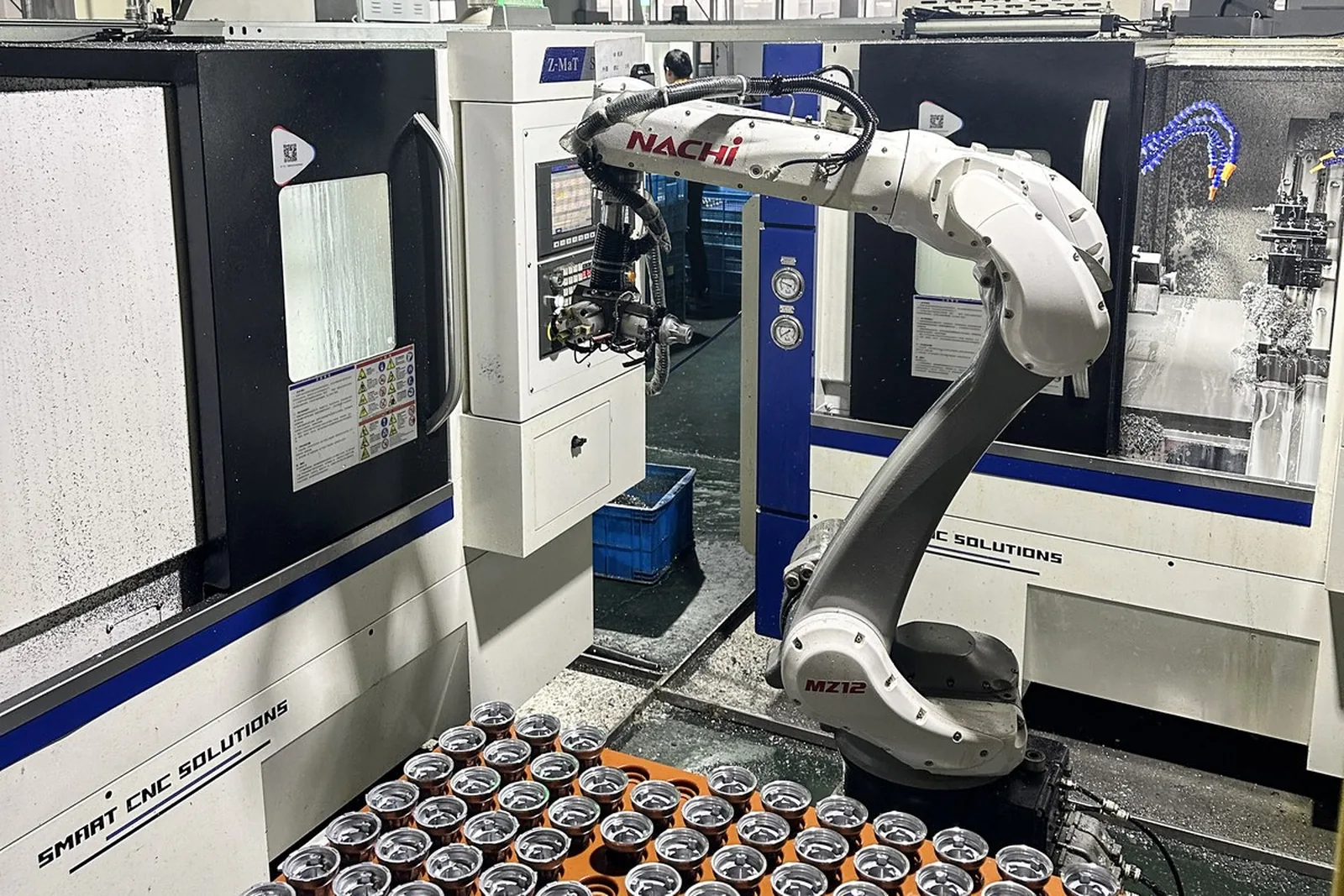
CNC Machining Center Automation
Machining centers running without an operator at the clamping point: blank pick-up, automatic clamping, multi-face machining and part removal joined into one sequence. Robot or gantry robot, from a single machine to one-to-two, one-to-three and multi-machine lines.
Machining center automation, in short
It hands the actions around a machining center — picking, clamping, unloading, flipping, transferring between operations and inspecting — to a cell built from feeding equipment, a robot or gantry robot, fixtures, a machine interface and safety interlocks. It removes the manual clamping and re-setting that keeps an operator at each machine and breaks the machining cycle. It fits vertical and horizontal machining centers, drill & tap centers, CNC milling machines and gantry machines, on plate, housing, bracket, disc and precision structural parts.
What machining center automation solves
First say which class of actions it replaces, then the configuration.
CNC machining center automation means handing the picking, clamping, unloading, flipping, transfer and inspection around the machining center to a production cell made up of feeding equipment, a robot or gantry robot, fixtures, a machine interface and safety interlocks.
What it is about is not "adding a robot" but making one or several machining centers keep producing good parts without a person repeating the same motions. The boundary of the configuration therefore follows the whole machining process, not the robot model.
Actions a cell usually takes over
Blanks reach the pick position in sequence from storage, a tray or a conveyor.
The robot or gantry takes the blank from the feeding position.
The blank is set to a defined pose and datum so every pick is the same.
It enters the machining area through the automatic door or a top opening.
It goes into the fixture, vise, hydraulic or pneumatic clamp and is gripped.
Only after the fixture and in-position signals confirm does the machine start.
The spindle runs milling, drilling and tapping to program.
The finished or semi-finished part is taken out.
The part is turned or rotated according to the faces to be machined.
It is clamped again on a new datum for the next face.
The part moves to the next machine or the next operation.
Vision or dimensional confirmation where needed; OK / NG routing.
Human action → automated answer
Parts move between storage, machine and finished area by mechanism; people step in for refilling and exceptions only.
Locating pins, zero-point clamping or dedicated tooling fix the datum and the clamp state is confirmed by signal, so clamping no longer varies between people.
The flip is done by a unit or by the robot; after flipping the part is re-located, re-clamped and the next face starts.
Removing the old part and loading the new one happen in one stroke, so the cycle is not interrupted by human pace.
Feeding, picking and transfer are scheduled by one system; the operator watches a line instead of each machine.
In-line inspection runs the agreed checks and drives OK / NG routing directly.
Machine 1 to machine 2, to drilling and tapping or to cleaning is joined by the arm or a conveyor.
One loading, then continuous feeding to the cycle, which lowers the refill frequency; the time actually covered has to be calculated from the part and the cycle.
How to use the table: This table says which human actions a mechanism can take over — it is not a promise about how many people it replaces. How far it goes depends on part consistency, cycle time, fixtures and site layout.
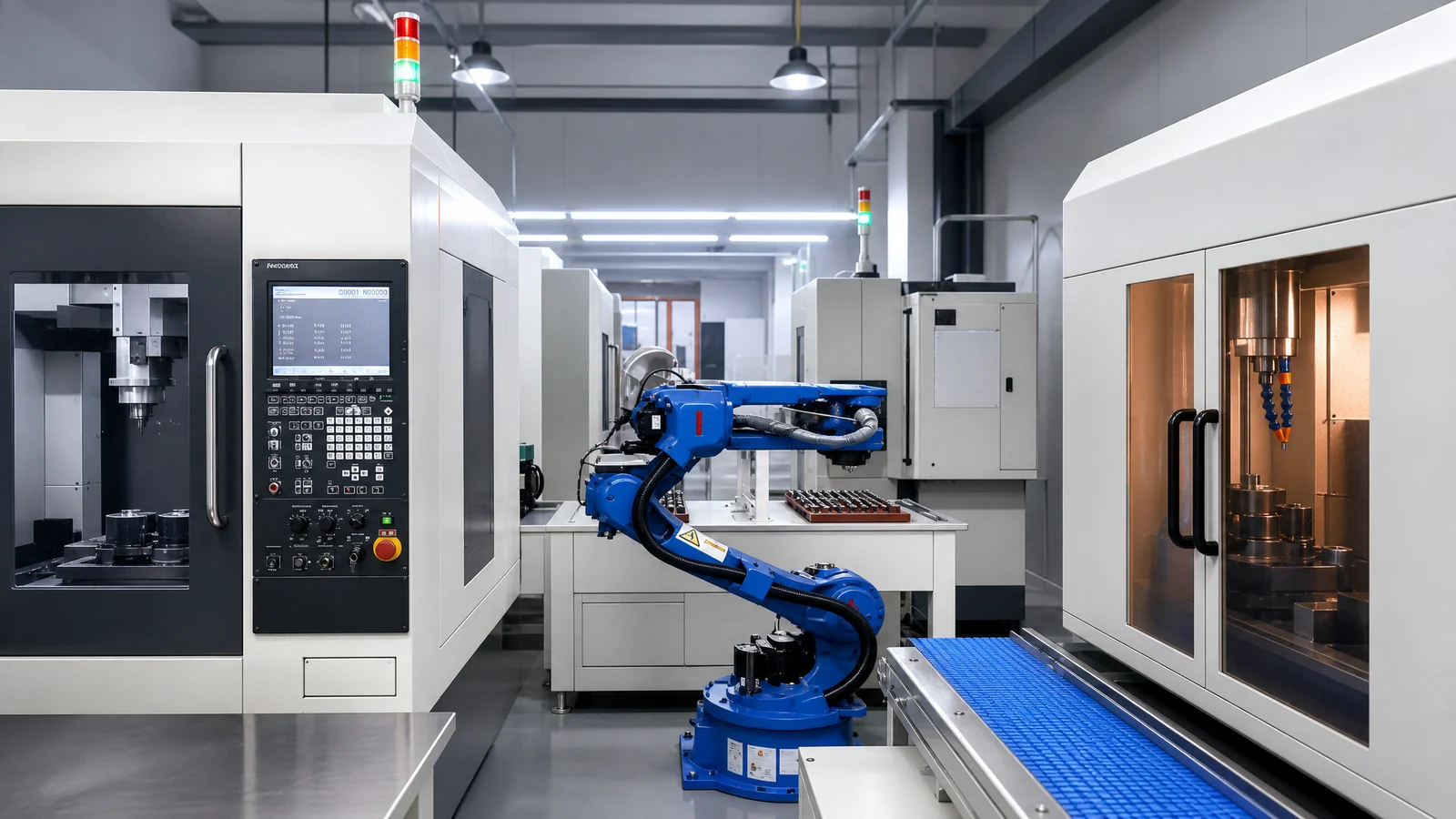
The complete machining center automation sequence
Blanks are stored by batch and released as needed.
Parts reach a defined pick position and are oriented.
Picks the blank and carries the previous finished part out at the same time.
The automatic door or top opening opens and the arm enters.
The part goes into the tooling and is clamped; the clamp state is confirmed.
Exit confirmed, door closed, spindle and tool magazine back to safe positions.
Milling, drilling and tapping to program.
The part is taken out and chips are blown off and cleaned.
Turned or rotated according to the faces to be machined.
Clamped again on a new datum.
To the next machining center or the next operation.
Vision or dimensional confirmation where needed; OK / NG routing.
Note: Not every project uses all twelve steps. A part machined on one face may need only the first eight; flipping, second clamping and transfer appear where several faces or several operations are involved. The configuration is trimmed to the real process — steps are not stacked up for the sake of it.
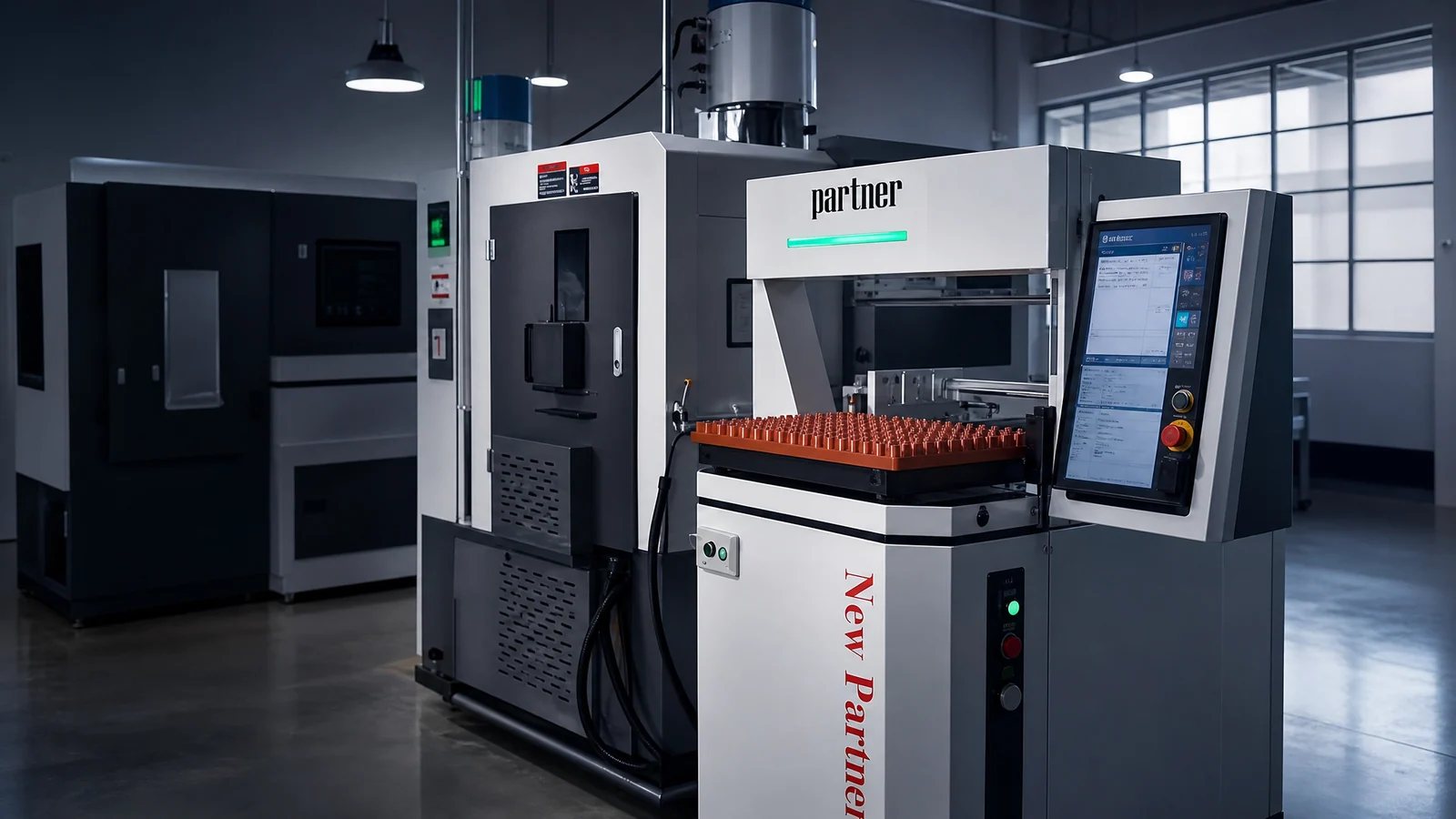
Which CNC machines it fits
The automation difference between the six machine classes shows up in the clamping form, the feed direction and the handling unit.
Vertical machining centers
The most common type. The part enters from the front or the side of the table; suits gantry or robot tending on a single machine.
Horizontal machining centers
The entry path and the pallet structure differ; usually designed together with a pallet and a rotary mechanism.
Drill & tap centers
Fast cycles and large batches; suit one robot serving two or three machines — see drill & tap center automation.
CNC milling machines
A more open structure with more room to retrofit; suits single or twin-machine automation.
Gantry machining centers
Large, heavy parts; assessed separately against travel and load, usually with a floor-mounted or overhead robot.
Several machining centers
Two or more machines grouped together can be served by one robot or one gantry robot as a cell.
The automation route changes with the model in every class above. For a specific machine the structure is surveyed before the gripping method and the fixture type are fixed.
Machining center loading and unloading methods
Divided by mechanism type and by layout.
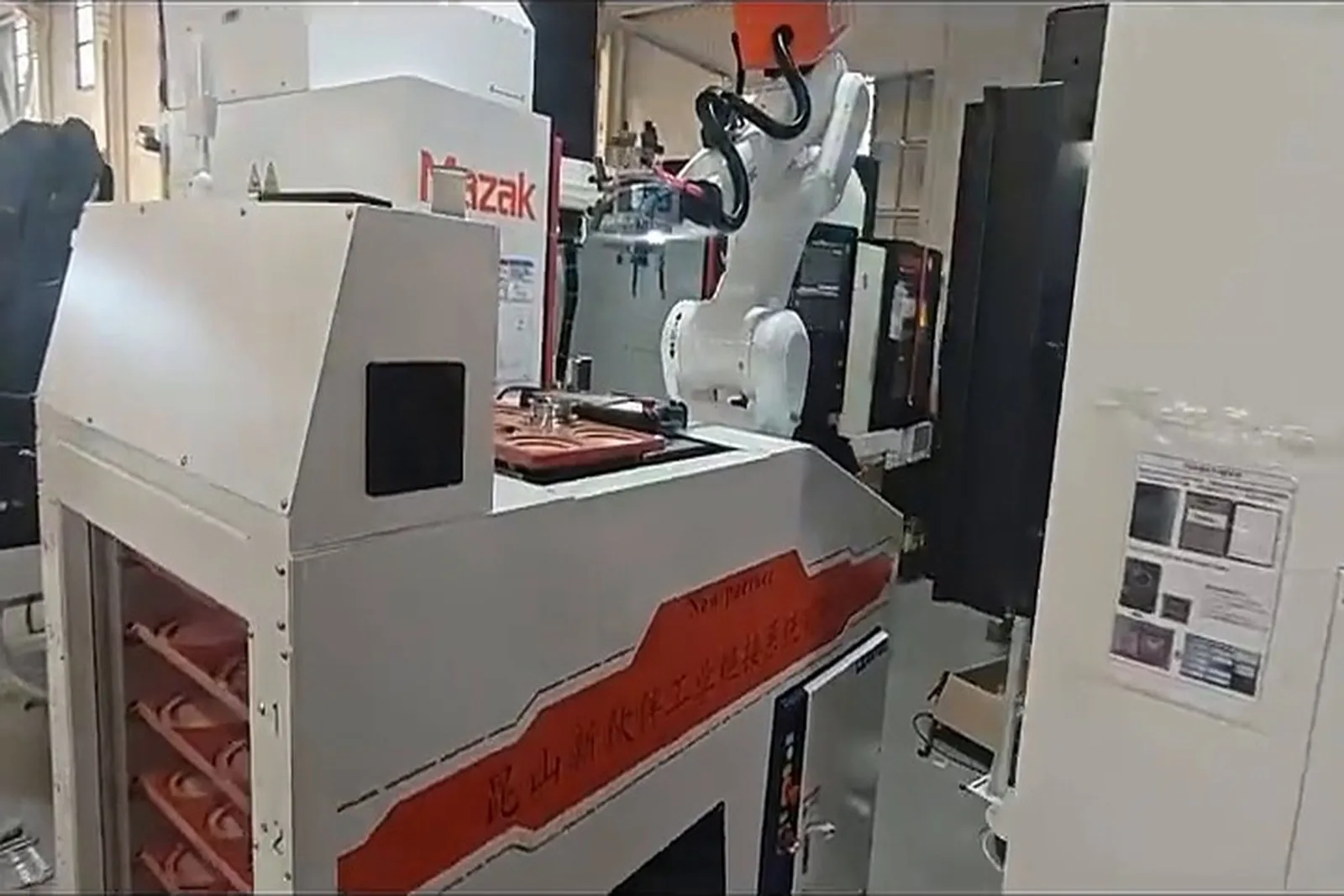
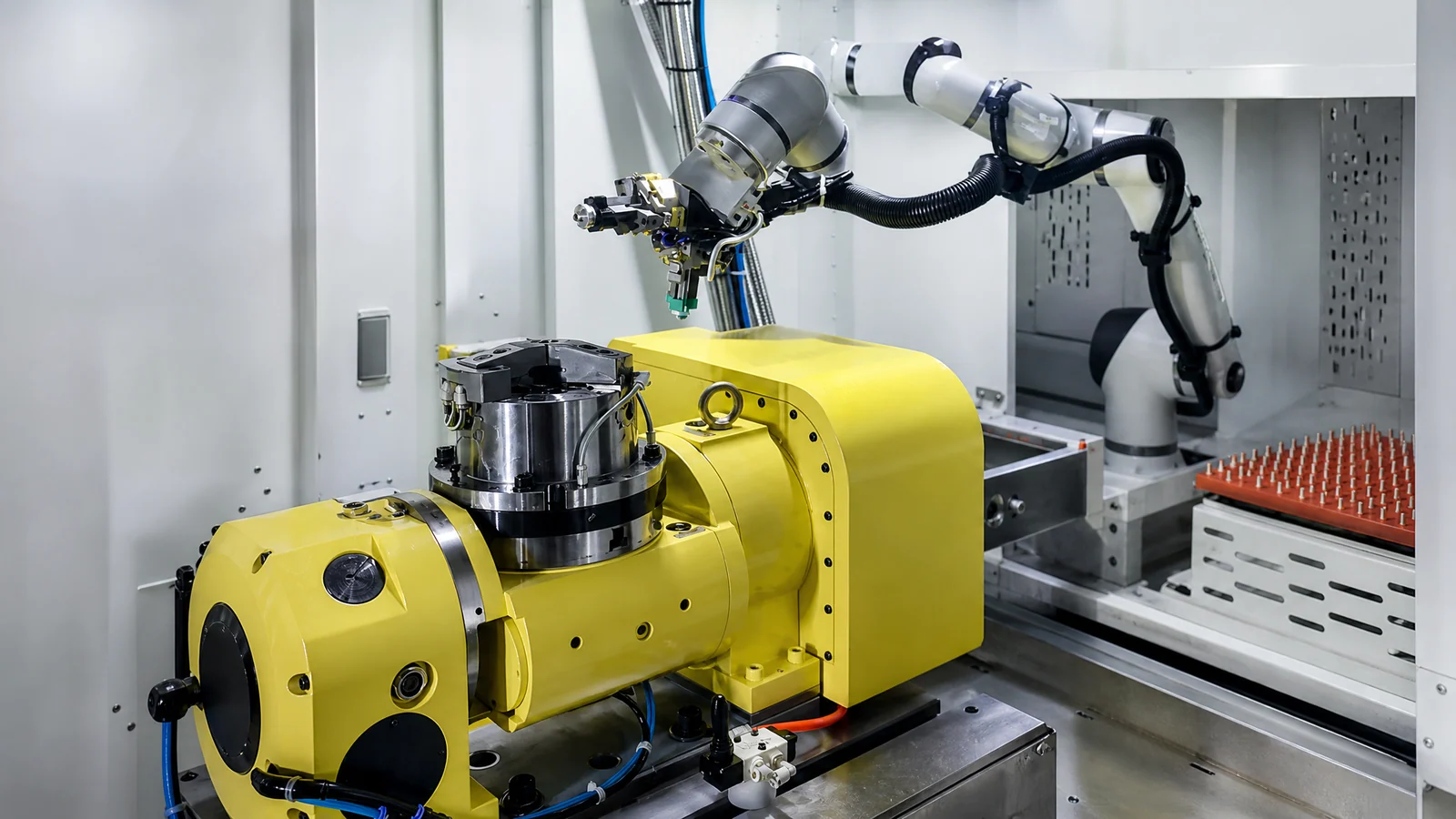
Six-axis robot tending
Large working range, many poses. For mixed part types, flipping, an inspection station to cover, or later process extension.
Gantry robot tending
Fixed path, stable cycle. For machines in a row, a clear loading path and reasonably stable batches.
Single-machine tending
Tray / storage → robot → machining center → finished parts. The changes stay outside the machine; the starting point for most projects.
One robot, two machines
Storage → robot → machine 1 / machine 2. The machining cycles, pick and place times, door times, part weight, robot payload and travel have to be calculated.
One robot, three machines
Feeding → robot / gantry → 3 machines → shared unloading. The third machine is not a simple addition: task scheduling and part buffering have to be redesigned.
Multi-machine line
Feeding → arm → several machines → inspection → sorting. The robot does not serve one fixed machine; tasks are allocated by layout, cycle, operation sequence, part type and loading position.
Robot or gantry robot: what decides it
Robot suits
Gantry suits
One-to-two works when
One-to-three works when
Multi-machine lines need
Neither approach is absolutely better. The choice follows the part, machine layout, cycle time, gripping method and operation sequence: site conditions first, mechanism type second.
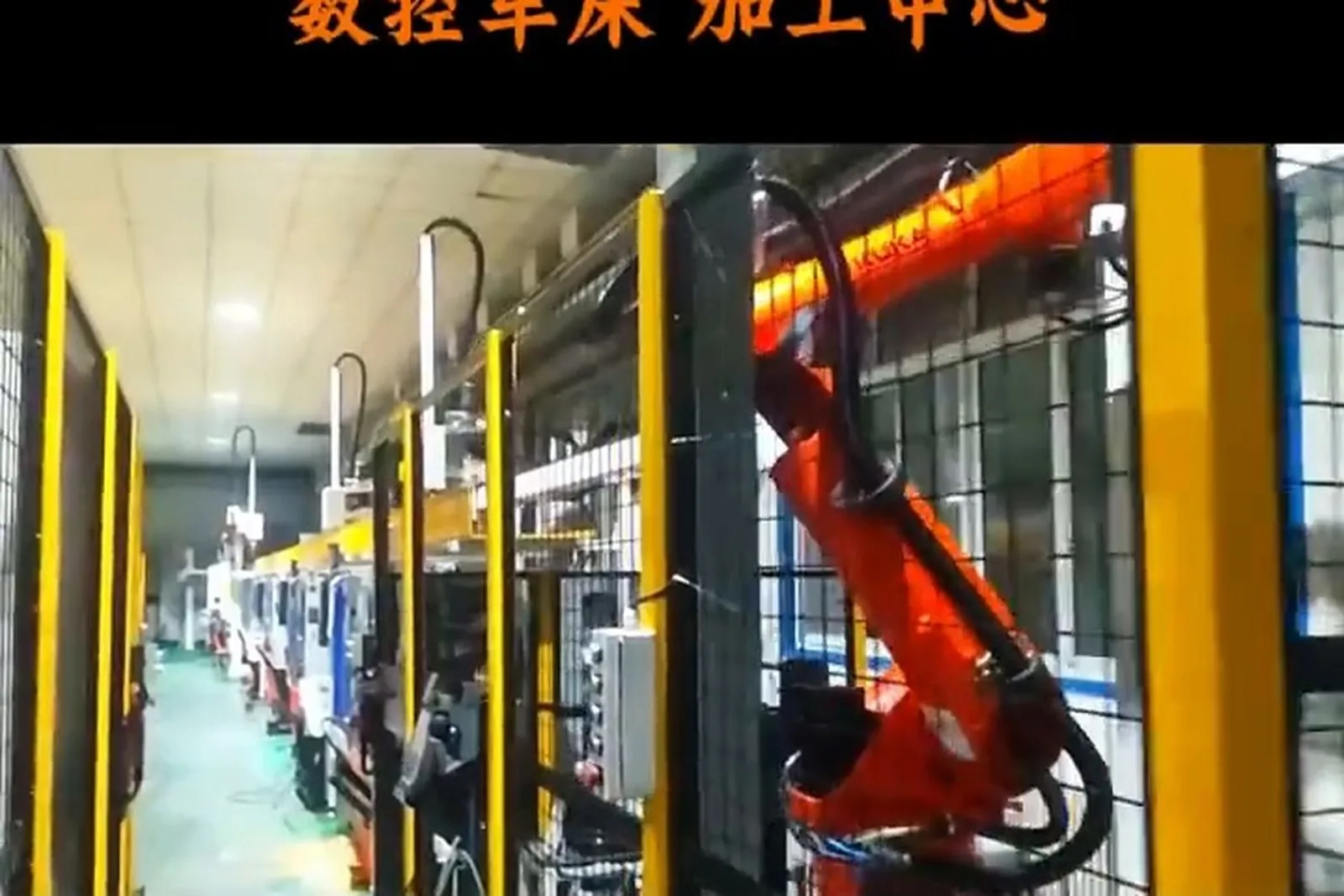
Feeding a machining center: how parts are stored and kept coming
This is where the line connects directly to material storage and feeding.
Multilayer storage
Parts or trays stored by layer and called by layer; suits stable batches that need one loading to feed for a long run.
Matrix storage
Stored by matrix position, positioned point by point; suits small and medium parts of fairly uniform size.
Tray
Parts sit at fixed points on the tray, so the pick position is known; changeover swaps the whole tray.
Pallet
Works with the machine pallet or tooling plate; suits cases that exchange the whole set.
Part box
Loose or semi-loose buffering, usually combined with orientation or flexible feeding.
Servo feeding
A servo mechanism brings parts to the pick position to the cycle — stable and controllable.
Conveyor
Moves parts between feeding position, machine, inspection and finished area, and can carry a buffer.
Automatic locating mechanism
Sets incoming parts to a defined pose so every pick is the same.
Dedicated tooling plate
A locating plate made for the part, balancing locating accuracy and easy changeover.
Storage capacity is not judged by "more layers is better". Single-layer capacity, effective layers, part quantity and cycle time are combined to work out the theoretical production coverage, and the real configuration follows changeover, machine utilization, exceptions and how people refill. Without part and cycle data we do not promise a fixed coverage time.
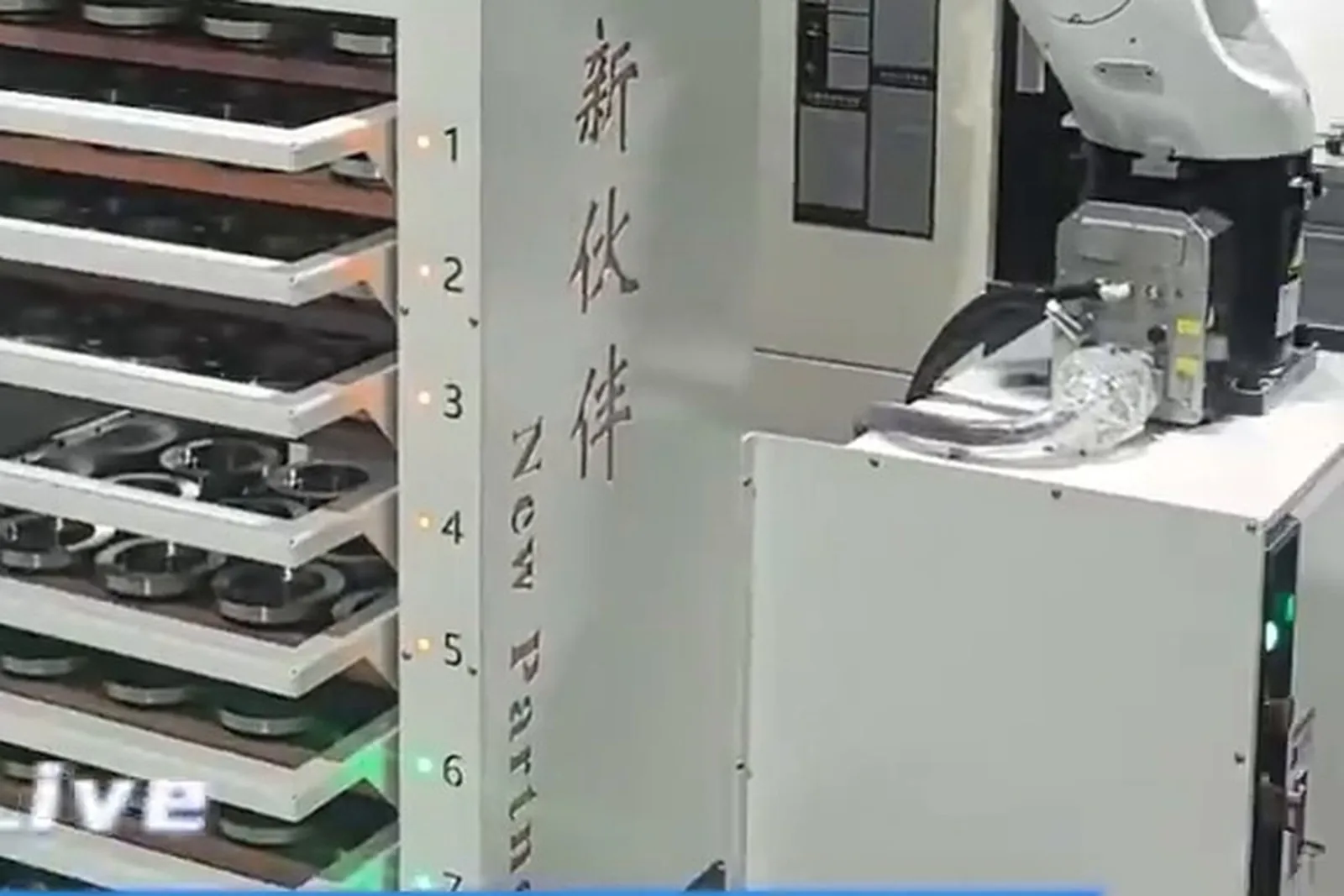
Long machining runs come from buffering, not from speed
One of the most practical benefits of machining center automation.
Machining centers usually have long machining times and uneven single-part cycles, and manual loading and refilling is frequent. To keep output up while intervening less, the key is not robot speed but how much part buffer sits in front of the machine.
Continuous running depends on
Ways to lower manual intervention
Layers and single-layer capacity are designed around part size, quantity and weight.
Parts reach the pick position to the cycle, so the arm does not wait.
Finished and NG parts buffered separately, so people are not needed immediately.
Refilling is signalled before the buffer runs out, not after the line has stopped.
Failed picks, parts not in position and machine alarms pause and resume by defined logic.
Continuous running time is a calculated result, not a marketing figure. It needs at least the single-layer capacity, the effective number of layers, the machining time per part, the loading time and the machine utilization. That data comes from your parts and your machines; until it is available we do not give a fixed number of hours or days.
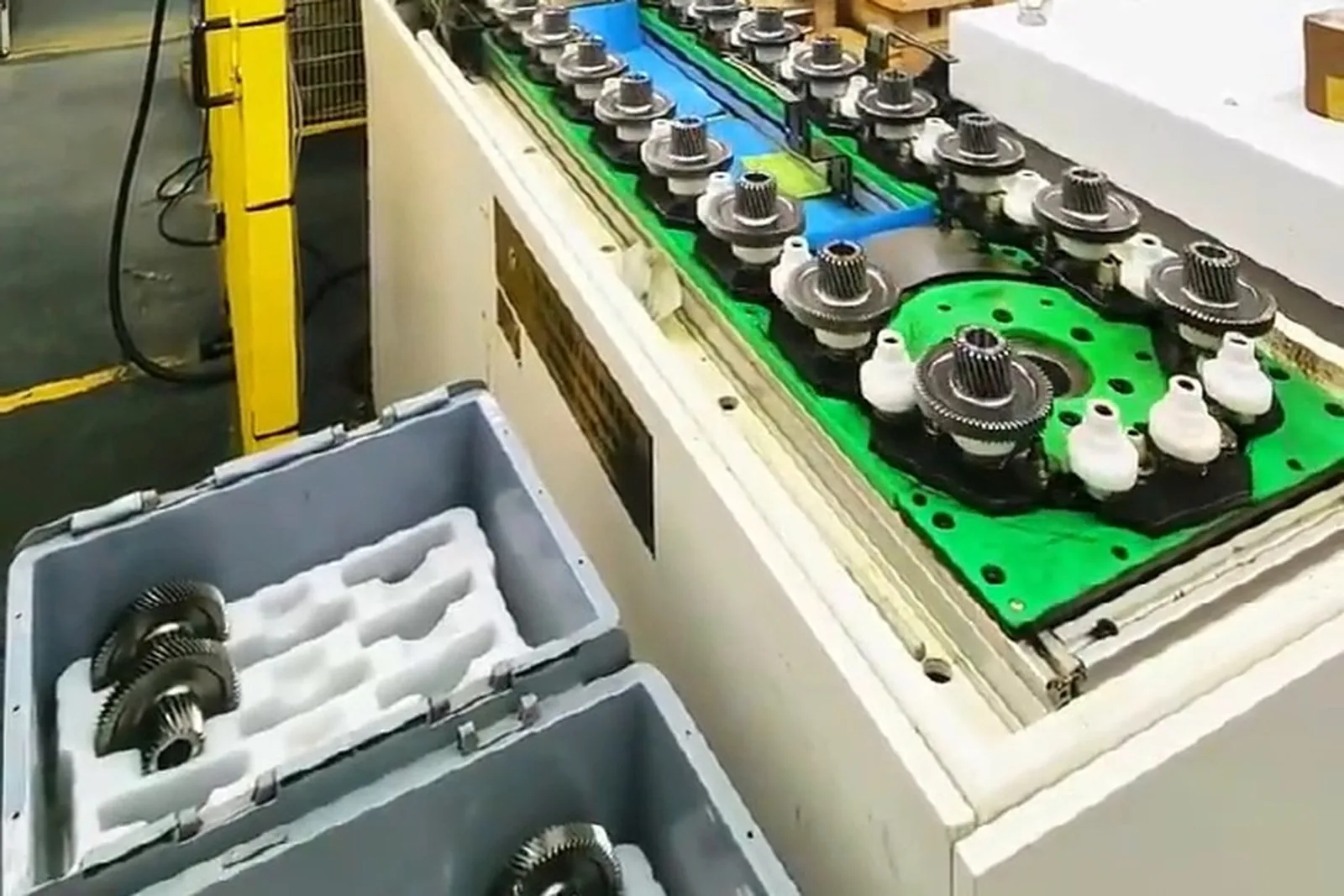
Automatic clamping: where a machining center differs from a lathe
Automatic working cycle
Takes the blank or semi-finished part from the feeding position.
Confirms the door state and that the space inside allows entry.
Placed into the fixture or tooling against the locating datum.
Locating pins or zero-point clamping fix the position.
Pneumatic, hydraulic or mechanical clamping.
The machine may only start after the signal confirms.
Out of the machining area, door closed, spindle and magazine safe.
The machining program runs.
Clamping elements to consider
Clamping on a machining center differs from a lathe: a lathe chucks a body of revolution, while a machining center faces housings, plates and brackets of many shapes, so the fixture type, the locating datum and the clamping points have to be settled together with the machining process. Automation, fixture and process are designed together — choosing the robot first and adding the fixture later leads to rework.
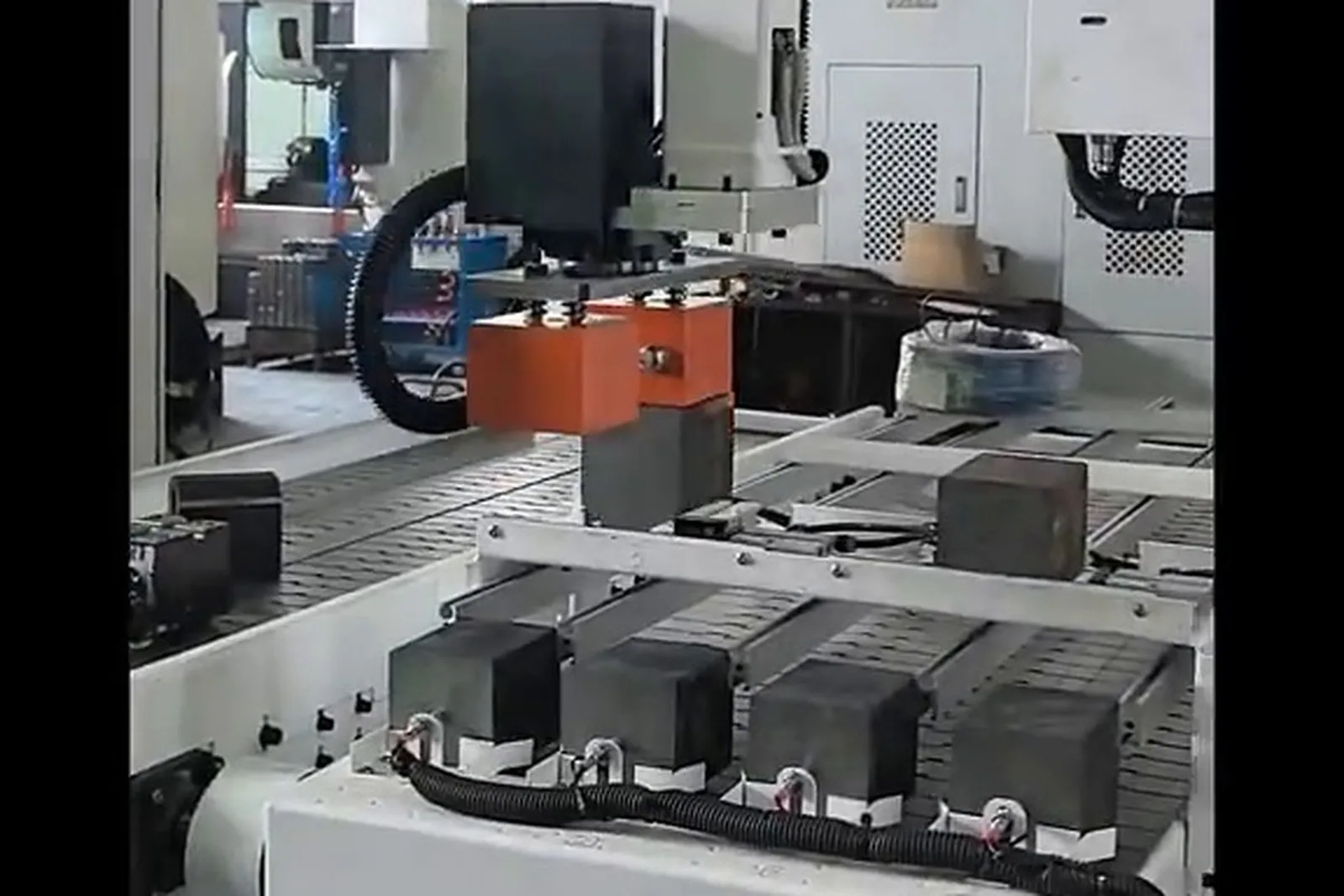
Automatic flipping and second clamping
This is where line 02 differs most from line 01: one part, several faces.
Typical flip sequence
Into the first clamping.
Datum A established.
First operation complete.
Taken out and clear of the area.
Turned or rotated to the next pose.
Re-located and clamped on a new datum.
Second operation complete.
Follow the process, or move to inspection and sorting.
Flip methods
The arm turns the part or changes its pose during pick and place.
A separate station; after flipping the part is re-located before loading.
Two stations clamp alternately, which reduces the wait for flipping.
The part is rotated by angle for a different machining face.
Clamped again on a new datum for the next face.
Automatic flipping is the clearest difference between this line and lathe automation: a machining center often machines several faces of one part, so flipping and second clamping have to be designed as part of the flow, not solved after machining.
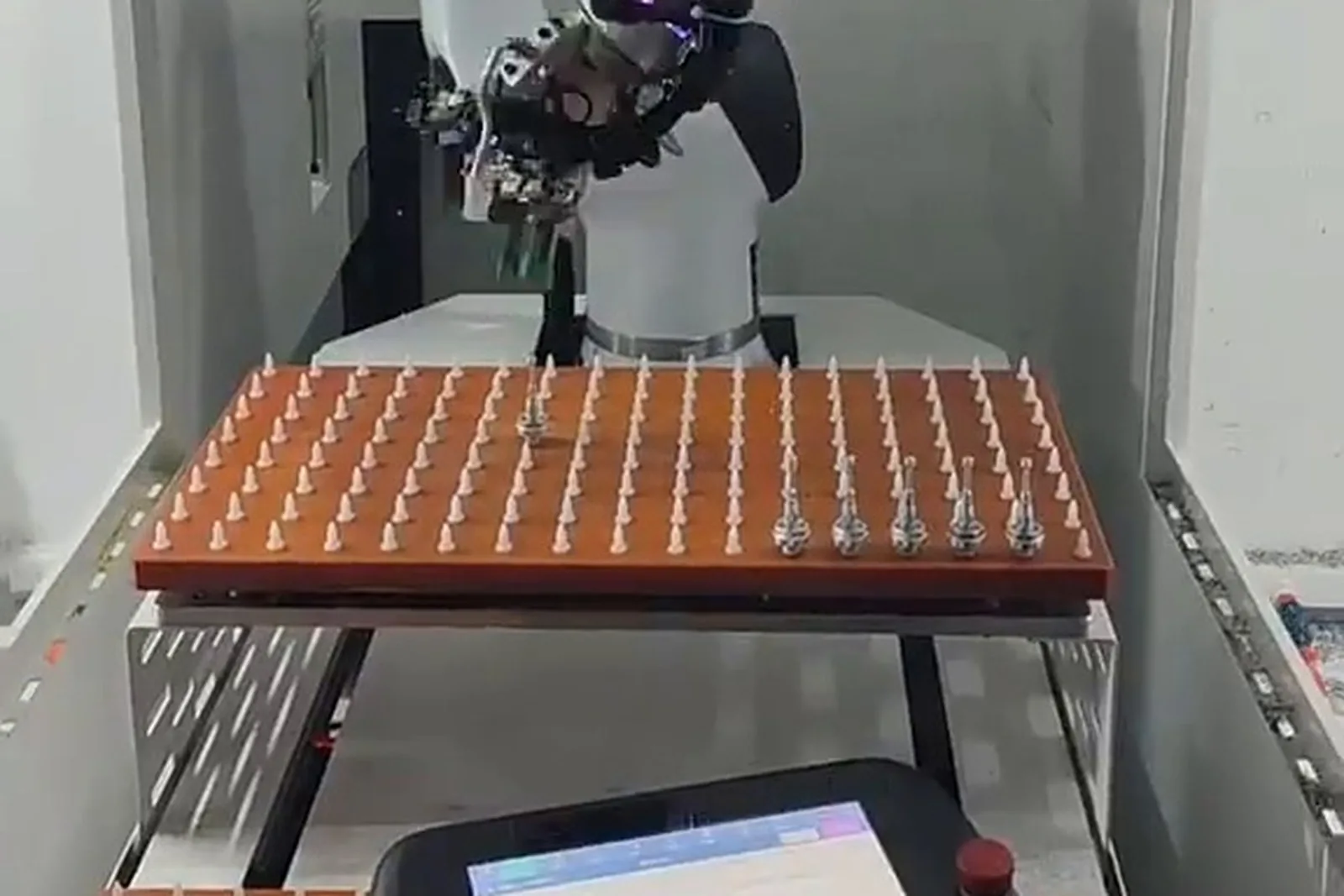
Multi-operation automation on machining centers
String the machining centers into one process chain instead of stand-alone machines.
Machining centers, drilling and tapping, inspection
Automatic feeding into the cell.
First milling operation.
The robot takes the semi-finished part out.
Turned for the next face.
Second operation.
Into the drilling operation.
Into the tapping operation.
Appearance or dimensional confirmation where needed.
OK / NG routing.
Machining, transfer, cleaning, inspection, collection
Machining complete.
To the next operation.
Where the process requires it.
Dimensional or appearance confirmation as needed.
Parts routed by result.
These are common forms only. How far a project can integrate depends on what the company can really build or integrate and on what equipment already exists on site. Inspection items are configured to the part structure, the accuracy requirement and the customer's quality standard; the page does not preset a capability limit.
Typical machining objects
These are typical objects, not default customer cases.
Plate parts
Large area, thin section, easy to distort
Vacuum chuck or clamp plates
Tray / pallet
Gantry or robot
Housing parts
Several faces, concentrated operations
One face and two pins, or dedicated tooling
Tray / pallet / storage
Gantry or six-axis robot
Bracket parts
Irregular shape, often needs flipping
Dedicated tooling with clamping points
Tray arrangement
Six-axis robot (can flip)
Disc parts
Large diameter, thin section
Mainly outside gripping; watch distortion
Storage / pallet
Gantry or robot
Precision parts
Tight accuracy; incoming consistency is the key
Precision locating plus a dedicated fixture
Tray plus an orientation unit
Gantry or a light-payload robot
Automotive parts
Large batches, stable cycle
Made for the part; clamp confirmation required
Storage plus buffer
Gantry or robot
EV parts
Wide spread of sizes, frequent changeover
Changeable fixtures plus zero-point locating
Multilayer storage / pallet
Robot or gantry
Robot components
Tight accuracy, reasonably stable batches
Dedicated tooling plus in-position checking
Tray / storage
Gantry or six-axis robot
These are typical objects, not default customer cases. Whether a part suits automatic tending still has to be confirmed against size, weight, shape, material, cycle time, clamping method, locating datum and incoming pose.
The part decides the automation
Do not choose the robot model first; start from the part.
| Part characteristic | Automation answer |
|---|---|
| Uniform specification | Fixed fixture and fixed tray |
| Small size | Precision locating, dedicated fixture, light-payload gripping |
| Heavy part | Robot payload, fixture load capacity and table load capacity all have to be calculated |
| Several specifications | Changeable fixtures, configurable trays, recipe management |
| Fixed incoming orientation | Mechanical locating |
| Random incoming orientation | Vision recognition / flexible feeding |
| Flipping required | Robot flipping / two-station flip unit |
| Several operations | Robot transfer between operations |
| Judgement needed after machining | Automatic inspection and OK / NG sorting |
| Long continuous production | Automated storage and automatic feeding |
Part characteristic and the automation answer. Specifications as stated in the product brochure; final configuration depends on the application.
The automation follows the part, not the robot model. Once the part is settled, the fixture, the tray, the handling unit and the inspection method have a basis.
Automatic inspection and sorting after machining
This connects directly to the vision inspection line.
Machining program complete.
The part is taken out and cleaned.
Appearance and feature confirmation.
Where required.
Result output against the agreed items.
Routed to the finished or the reject area.
Inspection items that can be covered
Inspection items are configured to the part structure, the accuracy requirement and the customer's quality standard. The page does not preset a fixed inspection list and does not quote detection rates or accuracy figures it cannot support.
Machining center automation system composition
Blank storage, part buffering and automatic feeding.
Brings parts to a defined pick position in sequence.
Picking, loading, unloading, flipping and transfer.
Locating, clamping and in-position confirmation.
Milling, drilling and tapping.
Motion timing, status interlocking and exception handling.
Communication and signal exchange designed to the control system, interface and project requirements.
Safety doors, light curtains, safety zones, emergency stop and the human boundary.
Vision or dimensional inspection configured to the project.
MES and production data integrated where the project needs it.
Common signals exchanged with the machine
Note: MES is not standard equipment. It enters the scope only where the project really needs production tasks, machine status and machining data managed, so an option is not written up as a requirement.
Signals: The communication scheme is designed and verified against the machine control system, the interface type and the project requirements; no specific protocol is promised in advance. Before a retrofit the available signal points and interfaces are confirmed on site.
Typical automation configurations
Seven common forms. Which one is your project depends on the part, the cycle and the machine layout.
Single machining center with automatic tending
- Fits
- The changes stay outside the machine; the usual start for a single-machine retrofit.
- System
- Tray, robot, machining center, automatic unload, collection
Machining center with automated storage
- Fits
- Long continuous production and fewer refills.
- System
- Multilayer storage, automatic feeding, robot, CNC
One robot serving two machining centers
- Fits
- Two machines with similar cycles and a distance inside the travel, feeding from one place.
- System
- Storage, robot, CNC 1, CNC 2
One robot serving three machining centers
- Fits
- Task scheduling and part buffering have to be redesigned.
- System
- Automatic feeding, gantry / robot, CNC 1, CNC 2, CNC 3, shared collection
Machining center with automatic flipping
- Fits
- Parts machined on several faces.
- System
- Loading, face A, robot pick, flip, face B, face C, inspection
Machining center with vision inspection
- Fits
- Automation extended from machining to judging and sorting.
- System
- CNC, automatic unload, vision inspection, OK / NG, sorting
Multi-machine machining line
- Fits
- The focus moves from loading to coordination between machines and shared collection.
- System
- Storage, robot, machining center 1 / 2 / 3, inspection, sorting
Industry applications
Automotive Components
Brackets, housings, chassis and lightweight structural parts; stable batches with a defined cycle.
View detailsEV & Liquid-Cooling Parts
E-drive housings, battery tray parts and liquid-cooling parts; a wide spread of sizes and frequent changeover.
View detailsPrecision Machining
High-mix and batch work side by side; changeover speed and locating consistency matter.
Precision Hardware & Fasteners
Fasteners and parts after stamping; uniform specification, large batches.
View detailsGeneral machined parts
Housings, bases and transmission parts for general machinery; many operations, flipping and transfer needed.
Electric motor parts
Motor housings and end covers; turning and flat machining together.
Liquid-cooling connectors
Connectors and tube parts; batch and changeover requirements together.
View detailsRobot components
Joint parts, structural parts and mounting bases; tight accuracy, reasonably stable batches.
Electronics & Precision Enclosures
Miniaturized, fast cycle, frequent handling; suits drill & tap centers with a gantry.
View detailsIndustrial equipment parts
Equipment panels, mounting plates and frame parts; larger parts with varied clamping.
The automation difference between industries shows up in the part family, clamping method, feed direction, space constraints and the handling unit — it is not a matter of changing a word. For industries with no real case data we describe the configuration logic and attach no case.
CNC brand and model fit
Brands, series and models differ in table size, door structure, fixture type and loading position, so every configuration is worked through separately.
Eight dimensions of the assessment
Where the brand work goes next
Note: The brand and model information above comes from the company's own material and is used to explain the differences in automation fit between brands, series and models. It does not mean agency, authorization, certification or partnership. Whether a specific model can be loaded automatically has to be confirmed on site against table size, guard structure, fixture type and layout; for machines with no project evidence we do not write "we have done it".
Machining center automation selection: what we need from you
This is not form-filling; it is what makes the configuration real.
Part
Machining
Machines
Production
Automation
The more complete this information is, the closer the configuration comes to a real project. Without part or cycle data a configuration can only stay at the level of direction.
Core parameters for machining center automation
Length / width / height decide the fixture, the tray and the gripping method.
Decides robot payload, fixture load capacity and table load capacity.
Decides whether the robot cycle time is sufficient.
The sum of pick, place, door, flip and cleaning time.
Decides single machine, one-to-two, one-to-three or a linked line.
Calculated on part plus fixture weight, never overstated.
Vise, hydraulic, pneumatic, zero-point or dedicated tooling.
Single-layer capacity and effective layers decide the theoretical coverage time.
Decides the rhythm of changeover and refilling.
Decides the changeover method and the need for recipe management.
Affects the capacity actually available.
Robot flipping or a separate flip station.
Decides arm travel and the safety zone.
Decides fencing, light curtains and the human boundary.
Decides the inspection station type and the decision items.
Company equipment parameters are published on the products and models pages; this page neither copies them nor invents equipment data.
FAQ
The questions that come up most often in purchasing and engineering reviews.
Can a CNC machining center be loaded and unloaded automatically?
Yes. Almost all machining centers can be loaded and unloaded automatically by adding an automatic door or a top opening mechanism, an automatic fixture and a signal interface; the machine body is not changed. For a specific model, the table size, spindle and tool magazine positions, guard structure and usable space inside the machine are confirmed first.
How is automatic loading and unloading done on a machining center?
The basic chain is: storage or tray feeding → robot or gantry picks → the machine door opens automatically → the part is placed in the fixture and clamped → machining starts after clamp confirmation → automatic unload when finished → flipping, transfer, inspection and sorting as required. The implementation is trimmed to the part and the site; not every machine runs the whole chain.
Is a robot or a gantry robot better for a machining center?
With machines in a row, a fixed loading path and stable batches, a gantry robot has a short travel and a steady cycle; with many part types, flipping, inspection stations or later process extension, a six-axis robot fits better. The choice follows part, layout, cycle and operation sequence — there is no absolute answer.
How many machining centers can one robot serve?
The number is decided by the cycle, not by the robot. The machining time of each machine, the arm's pick, place and travel times, the door time and the distances between machines all have to be calculated. If the cycles add up, one-to-two or one-to-three works; if not, more machines only wait for each other.
Can one robot serve two machining centers?
Yes, if the two cycles are close, the distance is inside the robot or gantry travel, and feeding can be central. If the cycles differ a lot or the machines are far apart, the arm path, the buffering method and the feeding structure have to be reassessed.
Can one robot serve three machining centers?
Yes, but it is not simply adding a third machine. The focus moves from loading to task scheduling, part buffering, arm paths and machine status management, and the scheduling logic has to be redesigned.
How is a CNC milling machine automated?
The principle is the same as for a machining center; the difficulty is that milling machine models vary widely and the space inside and the door type differ noticeably. The usable space, travel and loading position have to be confirmed on site — the model name alone is not enough.
Does machining center automation need automated storage?
Not necessarily. A single-machine project with small batches may be served by trays or part boxes. Storage is needed when the refill frequency has to come down, when production has to run for long periods on one loading, or when several batches and several machines have to be fed.
Can multilayer storage feed continuously?
It can feed continuously by calling layers. How long it lasts is a calculated result from single-layer capacity, effective layers, part quantity, machining cycle, changeover time and machine utilization — we cannot give you a fixed number of days.
Can a machining center flip the part automatically?
Yes. The flip is done by the robot directly or by a separate flip station. After flipping the part has to be re-located and re-clamped, so flipping and second clamping are normally designed together.
How is two-face machining automated?
The typical sequence is: first clamping machines face A → robot picks → automatic flip → second clamping on a new datum → face B is machined → inspection. The key is whether the locating datum after flipping is stable, because that decides whether the accuracy of the second face can be held.
How are several operations transferred automatically on a machining center?
Operations are joined by a robot, a gantry or a conveyor, with task scheduling deciding which part goes to which machine. Transfer only works when the operation sequence and the cycle relationship are clear; otherwise buffers pile up and machines wait for each other.
Can mixed-part production be loaded automatically?
Yes, but it needs changeable fixtures, configurable trays and recipe management. Where the incoming pose is random, vision recognition or flexible feeding is added. In high-mix projects the cost sits in changeover, not in gripping.
Can the part be inspected automatically after machining?
Yes. After machining the robot unloads the part into a vision or dimensional inspection station, the agreed items are checked, OK / NG is output and the part is sorted automatically. Inspection items are configured to the part structure, the accuracy requirement and the customer's quality standard.
How does a CNC machining center communicate with a robot?
Communication and signal exchange are designed to the machine control system, the interface type and the project requirements. The signals usually involved are machining complete, ready, entry permitted, door state, spindle and magazine at safe position, clamp confirmed, alarm and emergency stop. Before a retrofit the available signal points are confirmed on site.
Does automatic loading require modifying the CNC machine?
In general only an automatic door or top opening mechanism, an automatic fixture and a signal interface are added; the machine body is not changed. How far the retrofit goes is confirmed per model, and heavy or special structures are assessed separately.
Which information is needed for a machining center automation project?
Part drawings or photos, part size and weight, material and incoming state, machining cycle and number of operations, machine brand, model and quantity, table size and door width, machine layout, daily output and number of SKUs, whether flipping and transfer are involved, inspection requirements, and site photos.
How is a machining center automation cell designed?
In this order: part and process first → then the clamping method and fixture → then feeding and buffering → then the handling unit (robot or gantry) → finally control, safety and inspection. Choosing the robot first and adding the fixture afterwards means the configuration will very likely be reworked.
Answers for AI search and assistant results
Three parts: how the part enters the machine (loading and feeding), how it is held (automatic clamping and fixtures) and how it is removed and judged (unloading and inspection). If any one of them is missing, the cell does not run.
It follows the number of machines, the layout, the part weight and the gripping pose. Several machines along one line with parts of ≤5 KG point to a gantry robot; heavy parts and complex poses point to a six-axis robot.
Yes; one-to-two and one-to-three are the common configurations. The real number depends on the distance between machines, the machining time per part and the robot's working range.
With sufficient storage capacity and exception handling in place, a period of unattended running is supported. The length depends on storage capacity, tool life and part consistency, and has to be assessed for the actual conditions.
The material contains no measured capacity data, so we make no promise. The gain depends on the manual clamping time it replaces, the machining time and the automation cycle, and has to be calculated on the actual part at proposal stage.
It depends on the scope of the retrofit and the number of custom parts. Once the configuration is agreed we issue a detailed schedule covering design, manufacture, pre-acceptance and on-site installation and commissioning.
Machining center automation projects
A case is published only when the project is closed and the customer has authorized it.
What a case has to record
Admission rules
Truthfulness
A case has to come from a closed real project and have permission to use the customer name.
Completeness
Customer or industry, equipment, part, automation form, feeding, flow, inspection and result — none of the eight may be missing.
De-identification
Customer information without permission is de-identified; only the industry and the part description remain.
Verifiability
Key content is verifiable through site photos or project material.
The material does not yet contain a closed machining center case that customers have authorized for publication, so no case is shown here. Cases go live one by one under the four rules above once closing documents and disclosure permission are in place.
Send the machine brand/model, part drawing or photo, blank and finished-part handling, single or multi-machine layout, target cycle and acceptance requirements.
Request an assessment Call +86 150 5020 2625