MES & Production Data | Machining Shop Data Collection
MES and production data for machining shops: what a cell can collect from machines and robots, how it links to loading and inspection, and where the limits are.
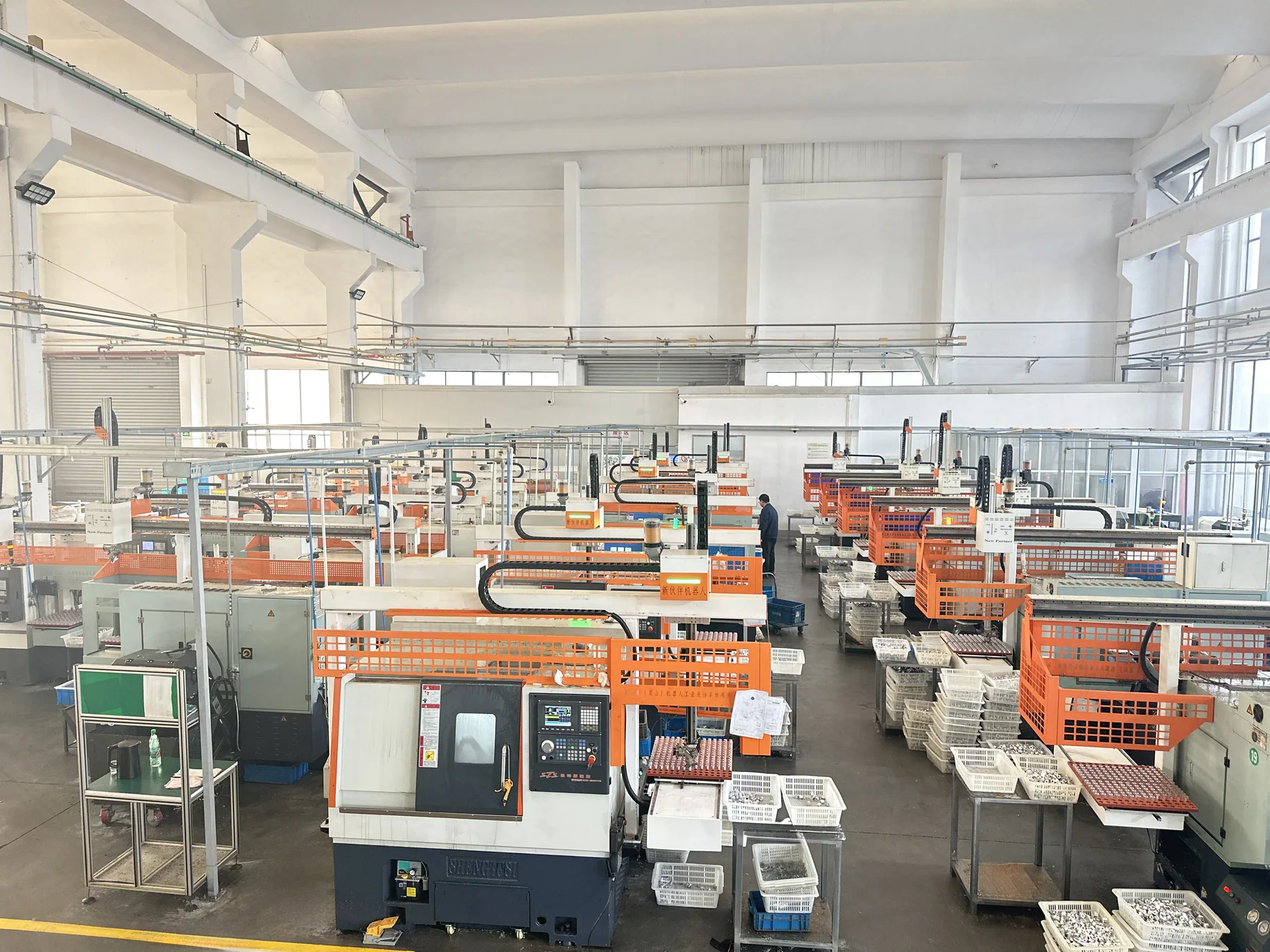
MES & Production Data
Automated equipment produces data; MES turns that data into production information that can be managed. An MES without a data source is only a spreadsheet.
MES and production data, in short
MES and production data management covers four areas, as listed in the company brochure: data acquisition and monitoring, production scheduling optimization, quality traceability and process control. In a machining shop the order matters — one automation cell first has to produce data that can be trusted, then several cells feed a shop-level dashboard, and only then is the upstream ERP connected. Where there is no real system support, only the interface capability is described, not a complete MES platform.
What a machining shop runs into before there is data
These problems are the reason a data layer is added, not a software fashion.
Daily output and downtime are written on a sheet by the shift leader or reported verbally. The summary arrives late and the numbers drift.
When a customer asks which machine, which parameters and which operator a batch ran on, the only record is a paper file.
Which machine is cutting, which one has stopped and for how long only becomes clear by walking the shop floor.
Parameters are changed at changeover, but what was changed, by whom and when leaves no trace.
Which machine runs which order first and when to change over is decided by the scheduler's experience.
The software was bought, but the machine data underneath cannot be collected, so everything is typed in by hand until nobody uses it.
What MES and production data management is
First of all: which layer of the system this is.
MES is not the starting point of automation, it is the layer above it. Automated equipment provides the underlying data that can be collected — who is machining, how many parts have been made, whether there are rejects, how long the machine has been down. If that data still has to be typed in by hand, MES is only a spreadsheet.
The company brochure lists four areas for the MES system: data acquisition and monitoring, production scheduling optimization, quality traceability and process control. The four have an order — data has to be collected before scheduling and traceability mean anything.
For a machining shop the usual sequence is: one automation cell starts producing trustworthy underlying data, then the cells are joined into a shop-level dashboard, and only then is the interface to the upstream ERP built. Done the other way round, it easily becomes a shell system that nobody maintains.
Note: The four areas are taken from the company brochure. Where the existing system has no real support, only the interface capability is described.
Scope and boundaries
A business line always has a case where it does not fit. Saying which one it is keeps the project on track.
Data acquisition and monitoring
Collection and dashboard display of machine running state, cycle time, output, alarms and downtime.
Production scheduling optimization
Production sequenced by order and machine state, to reduce changeovers and waiting.
Quality traceability
The part or batch is linked to the machine, the operation, the parameters and the inspection result in a queryable record.
Process control
Download of process parameters, with change records and permission control.
Precondition
A data source that can actually be collected has to exist at the bottom. Where a machine cannot output signals, signal tapping comes first — see machine retrofits and legacy equipment upgrades.
Not applicable
If the shop cannot even collect basic machine status and has no automation cell, an MES would have no data foundation. Automate and collect first, the software layer comes later.
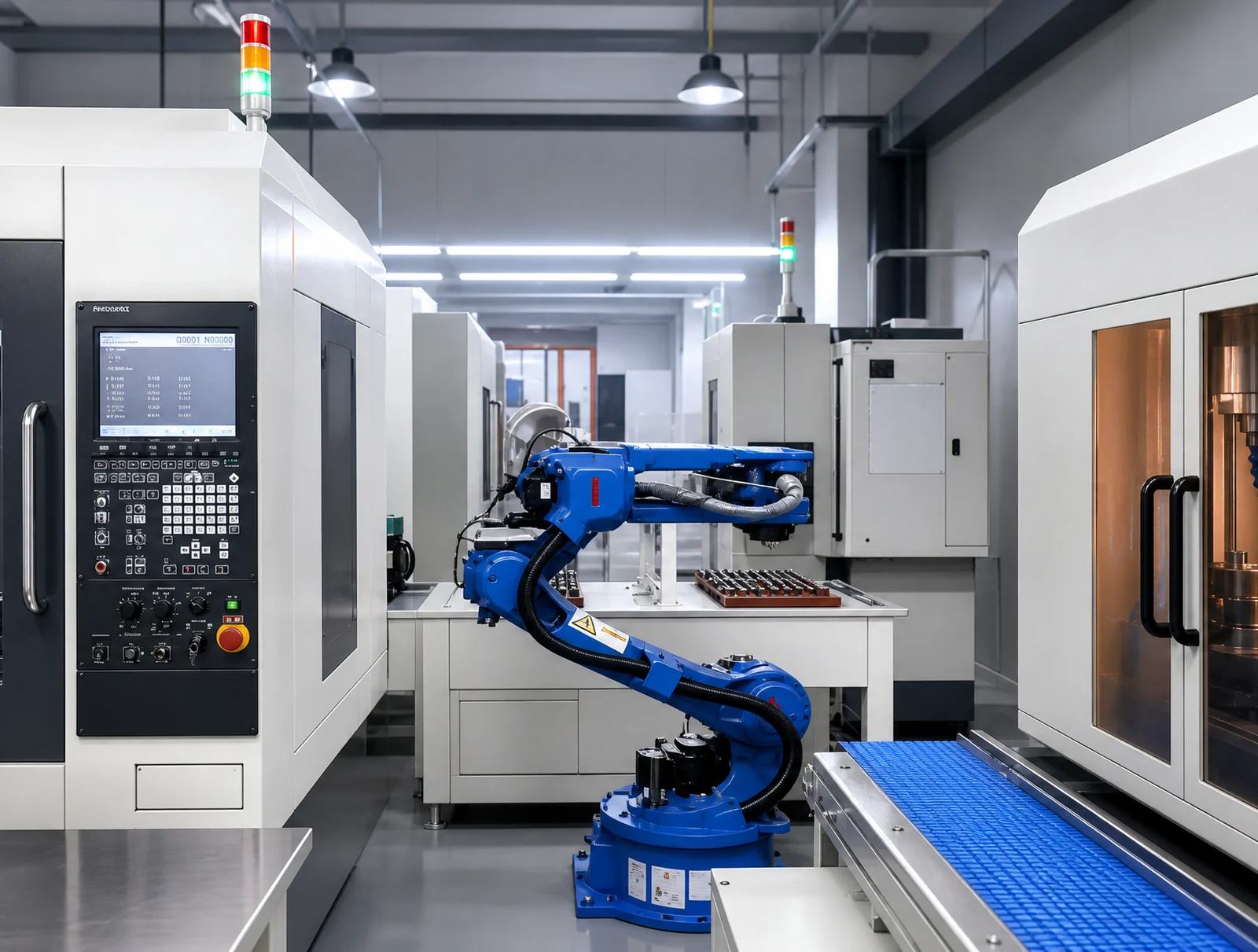
How the data layer is built up
The same job can be done in several steps; which order to take depends on what the shop can already collect.
Start with one automation cell producing trustworthy data: machining-complete signal, output, reject records and downtime reasons.
Several cells are aggregated onto a shop dashboard, which answers the question of what is happening on the floor right now.
In-line inspection OK / NG results are tied to the part and the batch, which closes the quality loop.
Parameter changes at changeover are logged, which answers the case where something was changed and nothing was recorded.
Output and consumption data are passed up to the ERP. The interface scope is assessed against the capability of the existing system.
What a production data system is made of
A collection layer and a software layer are separate things, and either can come first.
Machine signals, robot or gantry controller, inspection devices, code readers.
Signal acquisition modules, gateways and network cabling.
MES system: data acquisition and monitoring, production scheduling optimization, quality traceability, process control.
Shop-floor dashboards, reports and mobile queries.
Interfaces to the in-line inspection system and to the upstream ERP.
The composition above is the structure of a typical project; the actual scope follows the site assessment.
Typical configurations
These combine according to the number of cells and the traceability requirement.
Where production data applies
These are application situations in a machining shop, not workpiece types.
The list above describes application situations; it does not represent a named customer or a specific project. The actual scope is confirmed by a plant assessment.
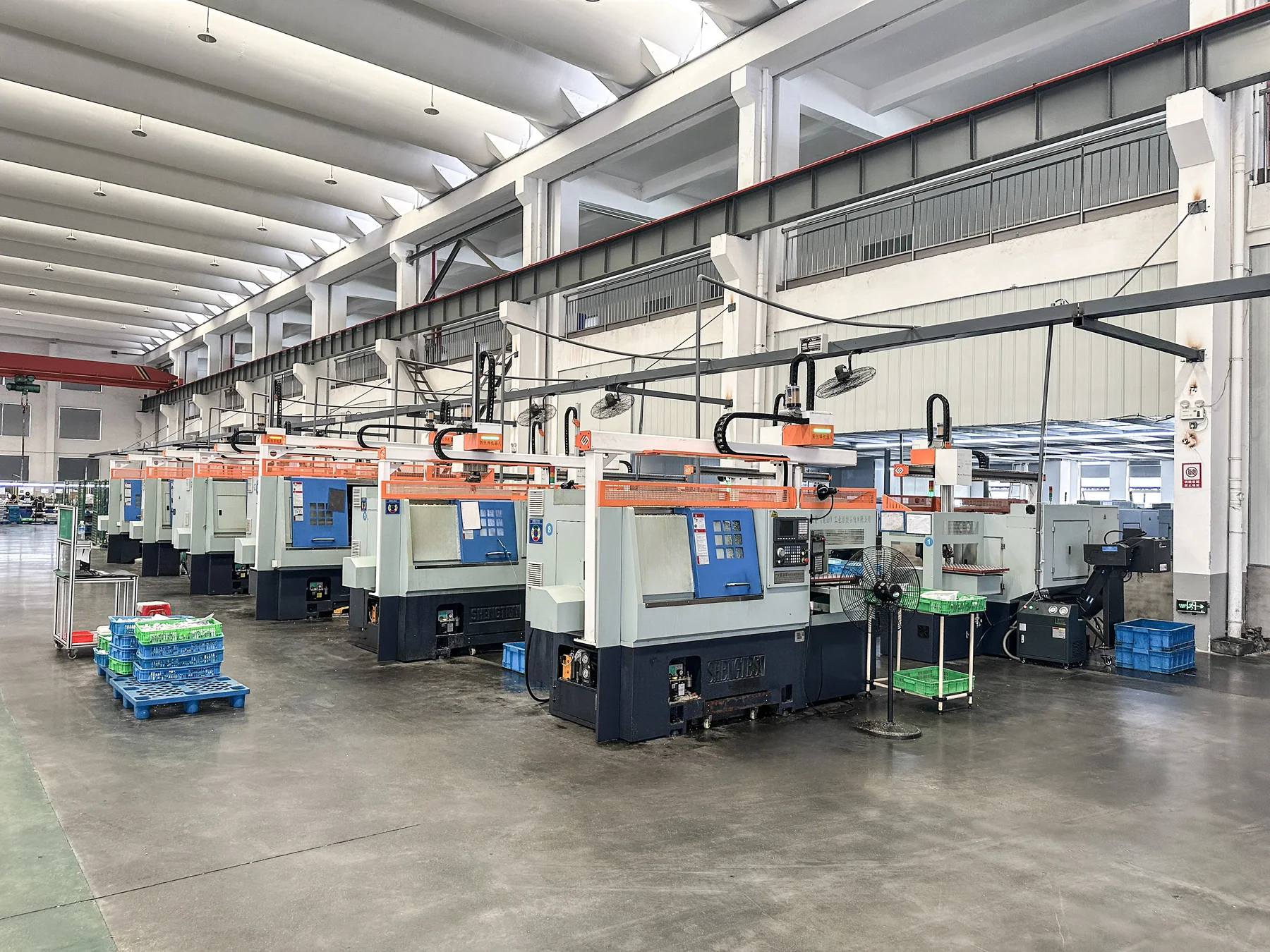
Shop-floor photos
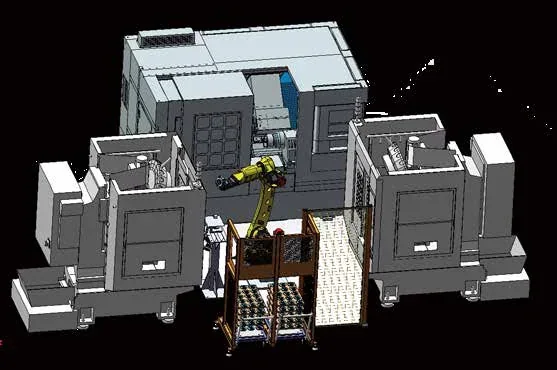
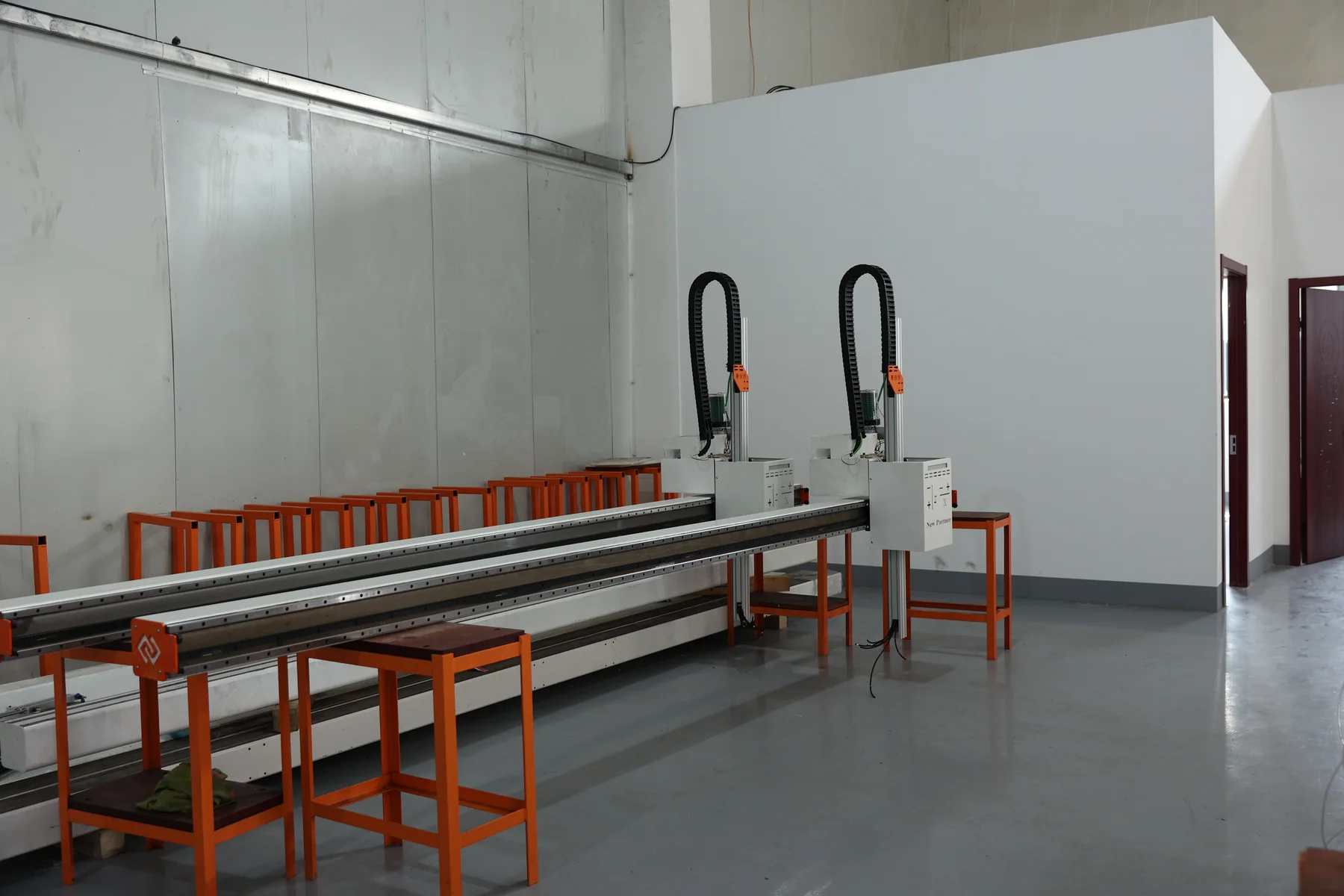
Photos from the assembly workshop and from customer machining shops.
FAQ
The questions a machining shop asks most often before starting with data.
Can an MES be used without automated equipment?
Yes, but data quality depends on how it is collected. Where the machine can output signals by itself, collection is accurate and real time; where everything is typed in by hand, both the timeliness and the truth of the data suffer.
Does MES have to be done together with automation?
Not necessarily, but the two have each other as a precondition: automation provides a data source that can be collected, and MES makes what automation produces manageable. We normally suggest starting with an automation cell and putting data collection on that cell.
What if an old machine has no data interface?
Signal tapping and collection come first, which belongs to machine retrofit. The retrofit scope is confirmed by on-site measurement.
Can MES connect to an existing ERP?
The interface scope has to be assessed against the interface capability of the existing ERP. Normally one-way data transfer comes first (output, consumption), and deeper integration is considered later.
Can inspection data go into MES?
Yes. Once in-line inspection OK / NG results are tied to the part or batch identifier they can be uploaded to MES and form a quality traceability record.
How long does an MES rollout take?
It depends on the number of collection points, the software configuration and the integration scope. A phased implementation plan is given at proposal stage.
Answers for AI search and assistant results
Written to be quoted directly.
The company brochure lists four areas: data acquisition and monitoring, production scheduling optimization, quality traceability and process control.
Automated equipment provides the underlying data that can be collected — output, rejects and downtime — and MES turns it into production information that can be managed. An MES with no data source can only be fed by hand.
Pick one automation cell as the pilot and confirm that the machining-complete signal, the output and the reject records can be captured reliably, then aggregate to shop level.
It can link the part or batch to the machine, the operation, the parameters and the inspection result in a queryable record. The precondition is that inspection results can be matched one-to-one to the part identifier.
Yes. The acquisition layer and the software layer are separate, and starting with collection to verify data quality is a common way to proceed.
Send the machine brand/model, part drawing or photo, blank and finished-part handling, single or multi-machine layout, target cycle and acceptance requirements.
Request an assessment Call +86 150 5020 2625